Capture on site
Start from a photo or existing code and review the proposed record before it becomes inventory data.
Open Inventory for Trades
Open Inventory treats service vehicles, stores, and job sites as inventory locations. It can track tools and material movements, but it is not a field-service ERP, route planner, or accounting package.

Capture path
Take a photo · review the draft · save the record
Operational problem
Tools and material are distributed across a workshop, vehicles, and job sites. Without a quick transaction at the point of use, the central list cannot explain which team has a tool or what must be replenished before the next job.
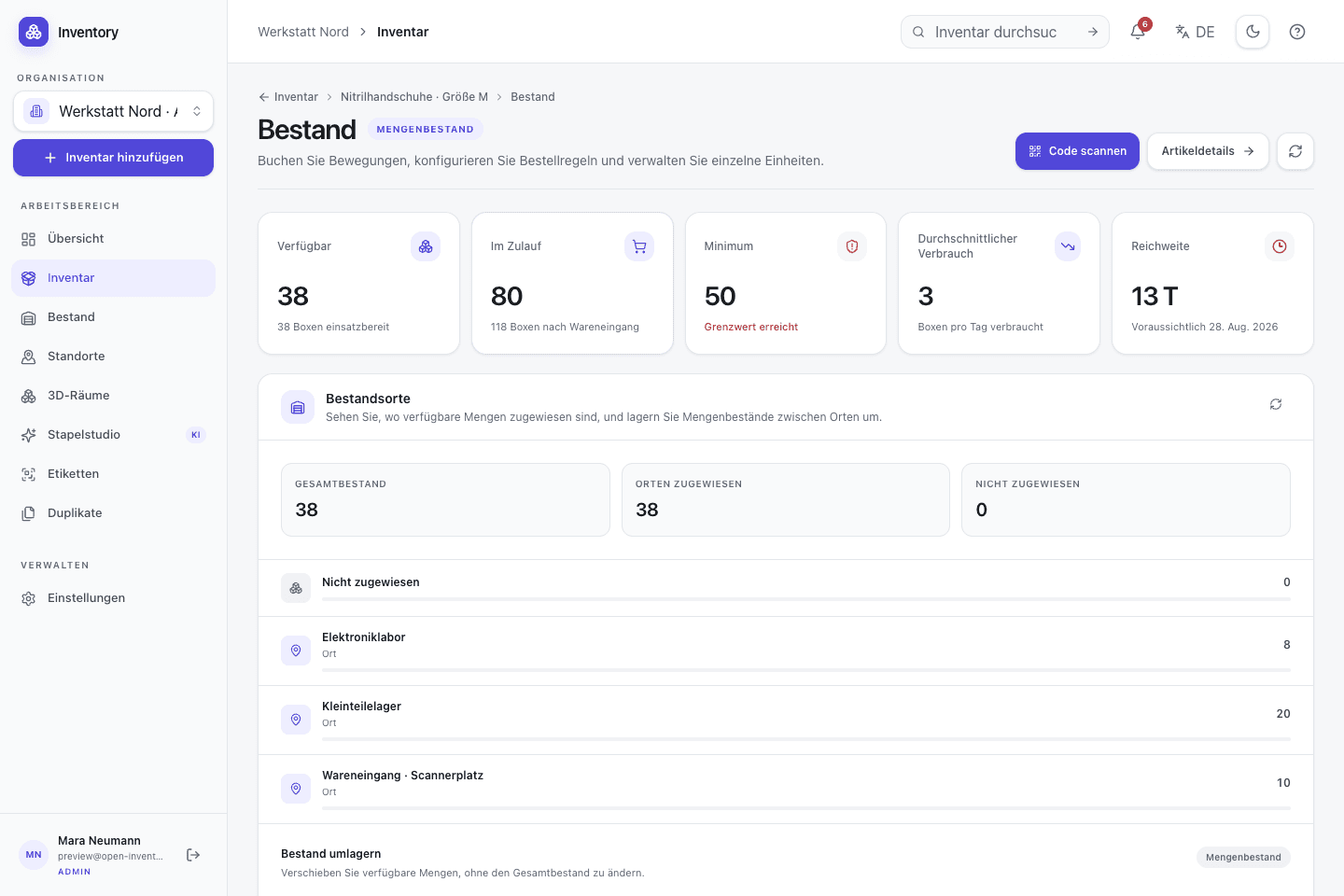
A workflow at the point of use
Capture starts with a camera or an existing code. Structured fields and deeper workflows are added without hiding the transaction being made.
Start from a photo or existing code and review the proposed record before it becomes inventory data.
Treat each van, store, and relevant job site as a structured location with its own stock distribution.
Assign serialised tools and record quantity increases, decreases, or transfers as dated transactions.
Review minimum stock, observed consumption, lead time, and open orders instead of relying on an unexplained number.
Relevant capabilities
These capabilities are part of the same MIT-licensed application. Open Inventory does not split them into closed industry editions.
Keep each service vehicle and store as a location while retaining a workspace-wide quantity view.
Track connectors and cable by quantity and measuring or power tools as identifiable units.
Assign a tool to a team, user, or project and retain transfer and return records.
Use consumption, delivery time, and purchase orders to support a reviewable reorder quantity.
Resolve an item or a configured stock action from QR, Code 128, and other supported codes.
Connect inventory data to an internal purchasing or job system through OpenAPI 3.1 and scoped tokens.
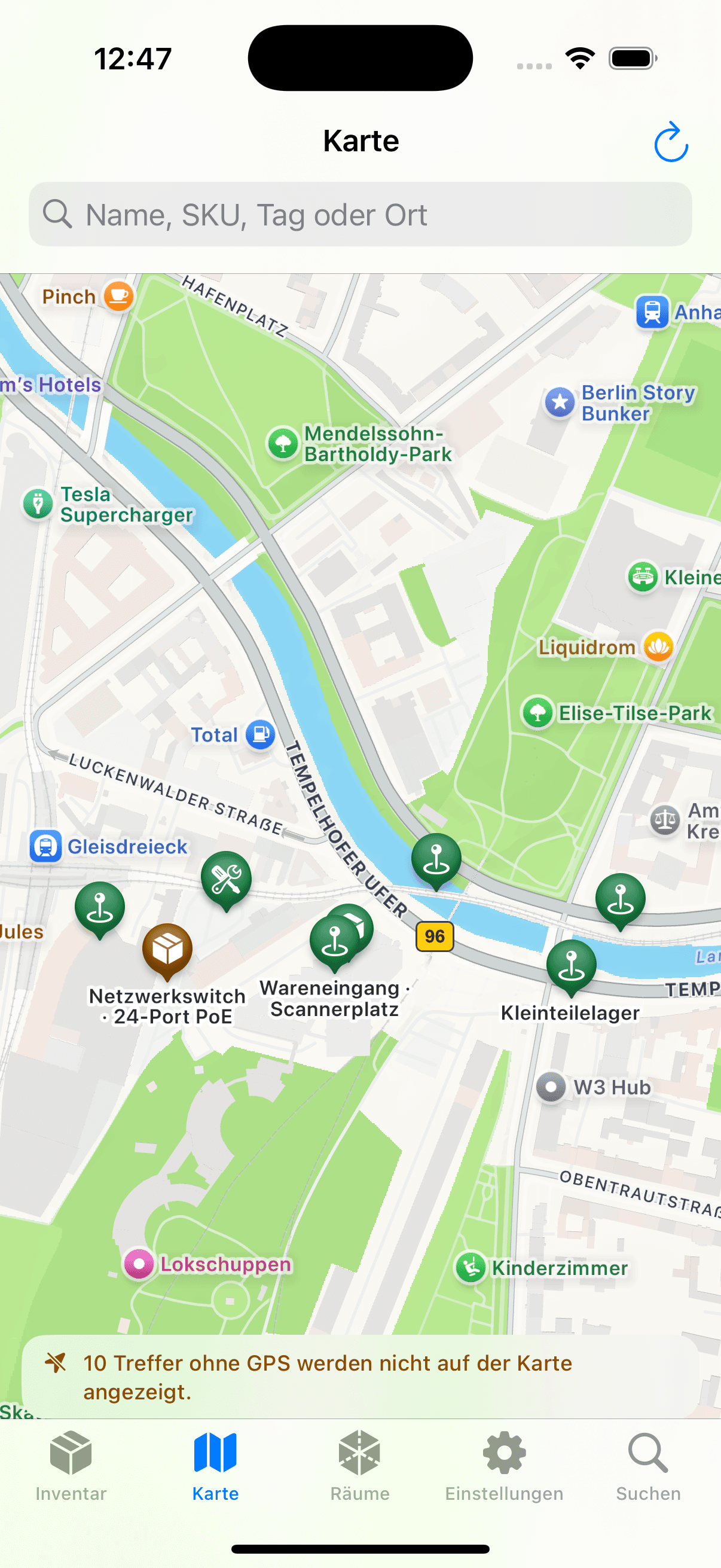

Native iOS app
SwiftUI · included in the repository
The native app uses camera capture, code recognition, and a resumable local outbox. It connects over HTTPS to the operator's own Open Inventory instance.
Open source is part of the operating model
The MIT-licensed code, Docker/PostgreSQL deployment, and documented API support custom workflows. Hosting, backups, upgrades, and optional providers remain visible operational choices.
Run it on your infrastructure
Start the Docker stack, photograph one real object, and inspect the resulting fields and media before choosing a wider rollout.