01
Camera-first batch capture
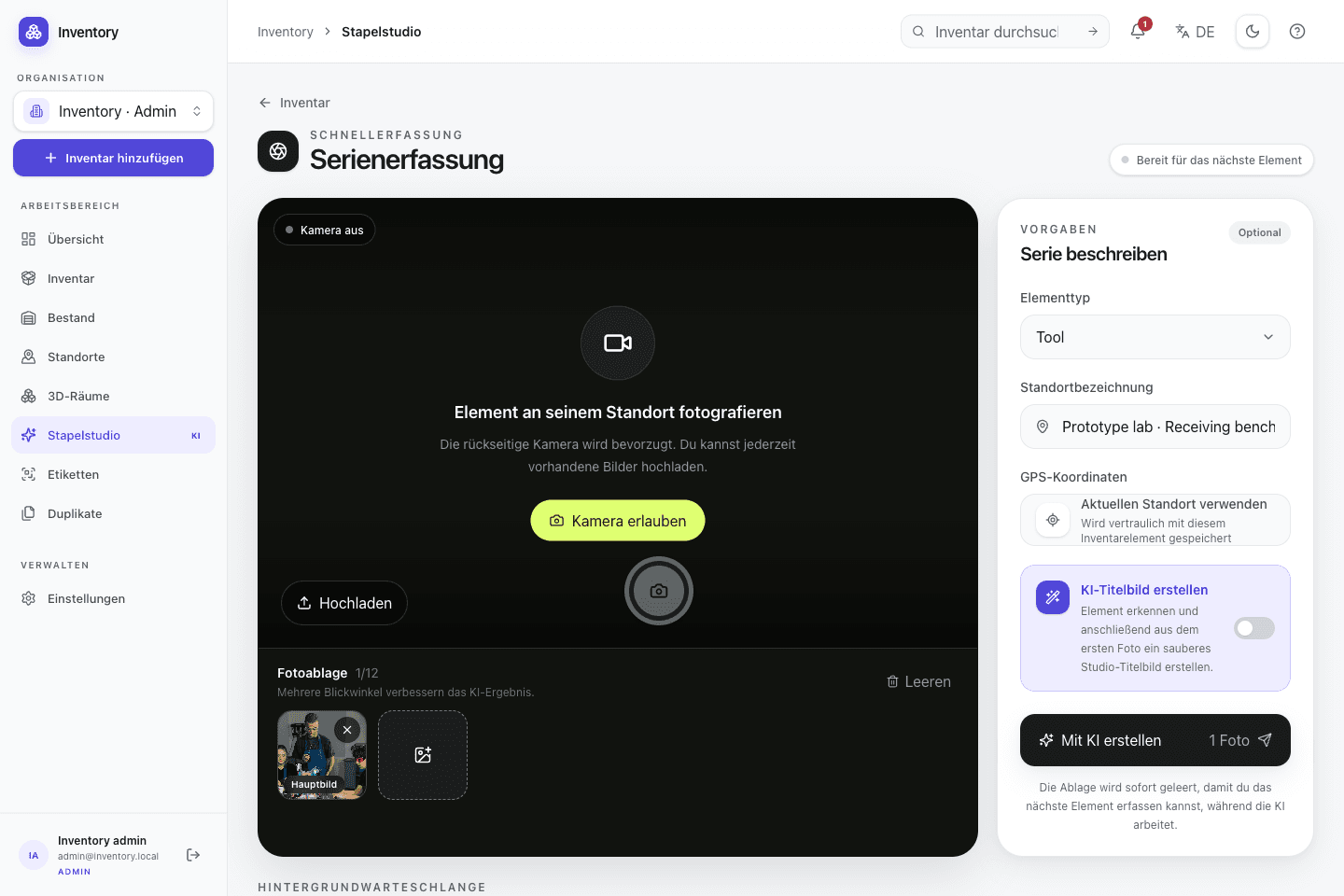
Capture several objects in sequence. Persistent jobs continue processing earlier records while the camera is available for the next object.
01 · Capture
Capture starts at the object. Original media is retained, generated suggestions remain reviewable, and background work is split into visible stages.
Scope
Open Inventory separates the short interaction at the object from slower server-side processing. Type, location and optional processing settings can be set once for a batch. Resource creation, uploads, analysis and cover generation then run as separate jobs with their own states.
Result 01
Capture several objects without waiting for every upload and processing step
Result 02
Review and correct generated fields before treating them as inventory data
Result 03
Keep original media and structured fields on the same record
Included implementation
These components are part of the MIT-licensed project. Optional providers are identified where they take part in a workflow.
Capture several objects in sequence. Persistent jobs continue processing earlier records while the camera is available for the next object.
Optional OpenAI or compatible image analysis proposes a name, description, type, tags, alt text and confidence value. The draft is editable before it is accepted.
OpenAI or Google can generate a square cover from a source photo. The generated asset is stored separately and the original photo remains available.
Optional photo counting marks detected instances and returns a confidence value. The quantity can be corrected before a stock movement is written.
JPG, PNG, WebP, AVIF, HEIC, MP4, MOV, WebM, PDF and USDZ can be ordered on a record. Images are optimized client-side and EXIF coordinates can be imported.
The open SwiftUI app captures photos, scans codes and persists upload stages. Stable operation IDs prevent defined retries from creating duplicate records.
Sequence
Shared context is set before the series. Each object then moves through explicit stages that can fail or be retried independently.
Choose the type, location and optional analysis or cover settings once for the series.
Capture a primary image and, when useful, additional views or a separate nameplate photo.
Resource creation, media uploads, analysis and cover generation expose separate job states. Defined retries use stable idempotency keys.
Check name, type, tags, quantity, tracking mode and media before relying on the record.
Worked example
The values are mock data, but the workflow and state changes correspond to operations implemented by Open Inventory.
Example · Workshop shelf
The batch sets Tool and Shelf B2 once. Each object then needs its own photos; serial number, condition and other exceptional fields are added only where required.
Shared context
Tool · Shelf B2
Captures
12 objects
Final action
Review suggestions
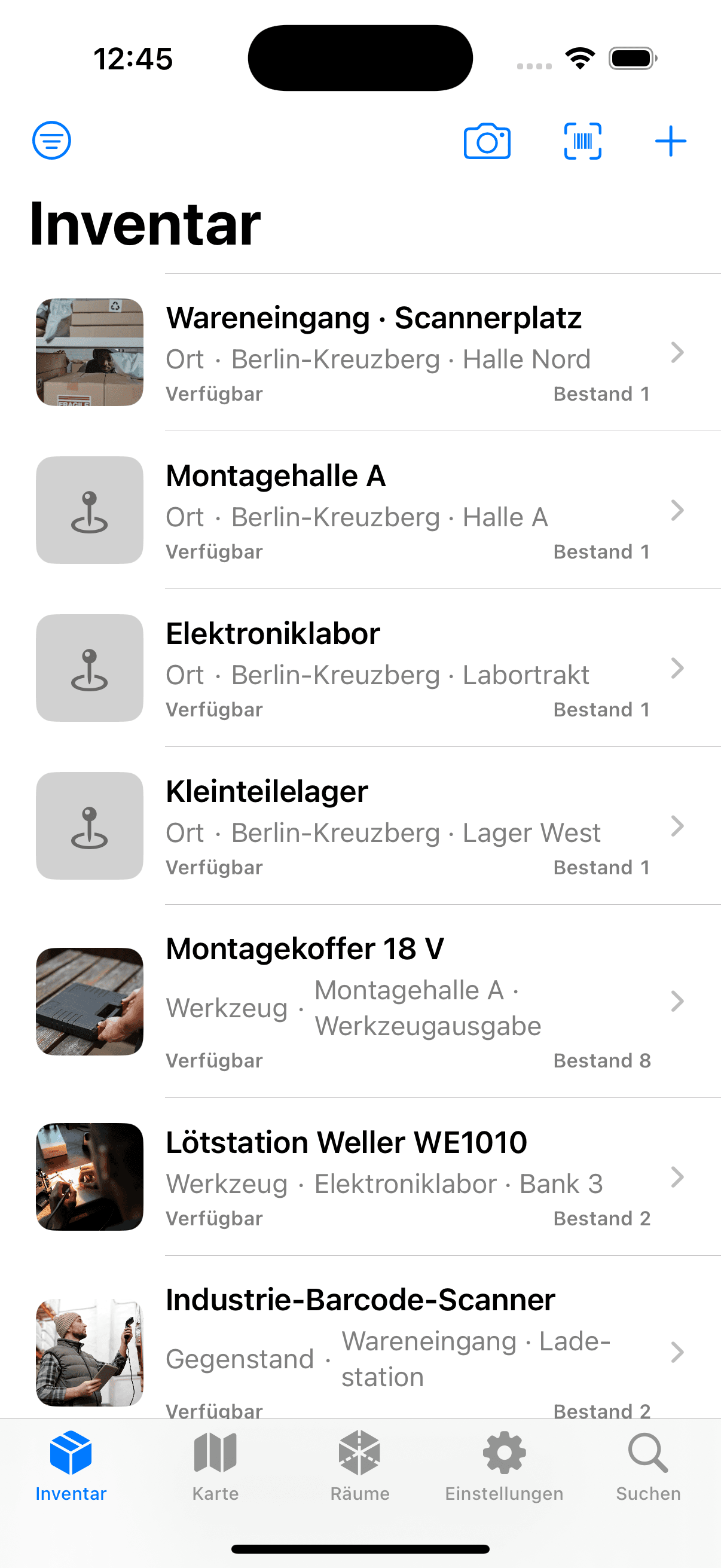
The SwiftUI app takes photos at the object and persists each operation in an Application Support outbox before upload. It connects to an Open Inventory instance selected by the operator.
Take or select up to twelve photos for one record
Resume defined upload stages after a network interruption or restart
Scan a code, open the matching record and verify it on site
Image analysis and cover generation are optional provider-backed operations. The repository shows when data leaves the instance. Original images, provider configuration and the final stored values remain under operator control.
MIT-licensed web application and native iOS client in one repository
Optional external processing rather than a requirement for basic capture
CSV export and a documented REST API for independent workflows
Next feature area
Types, typed custom fields, directed relations and content languages let different inventories use one application without forcing one industry schema.
Operate your own instance
Review the Compose services, persistence requirements and provider configuration before exposing an instance to a network.