Made for the iPhone
SwiftUI and AVFoundation provide a fast camera, fluid scanning, and familiar iPhone controls instead of an embedded web interface.

Open Inventory for iPhone
Native app · iOS 17+
Take a photo, scan a code, or record stock right at the shelf. Open Inventory connects to your own instance, while uploads and optional AI processing continue reliably in the background.
App Store release in preparation
The public App Store product page is not live yet. We will link it here as soon as it is available.
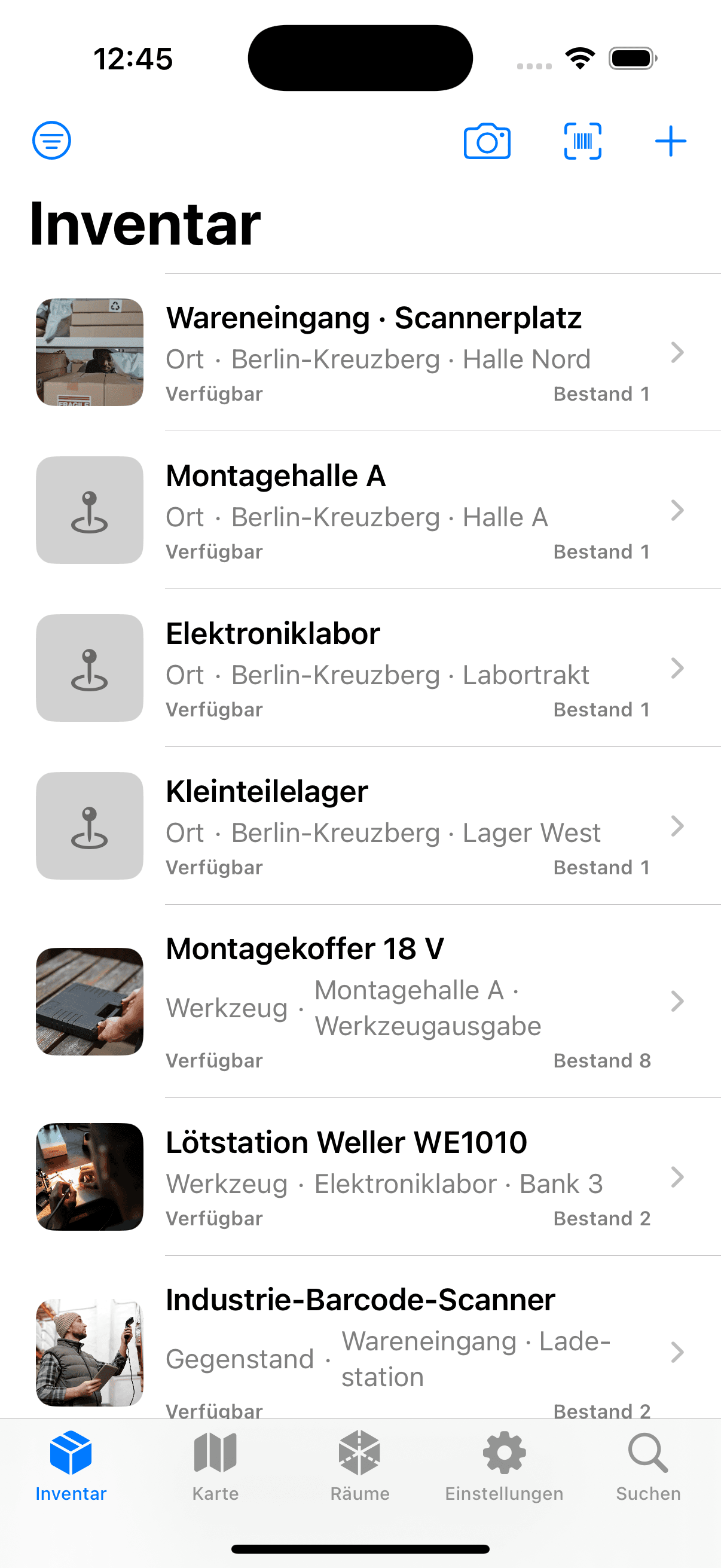
Inventory
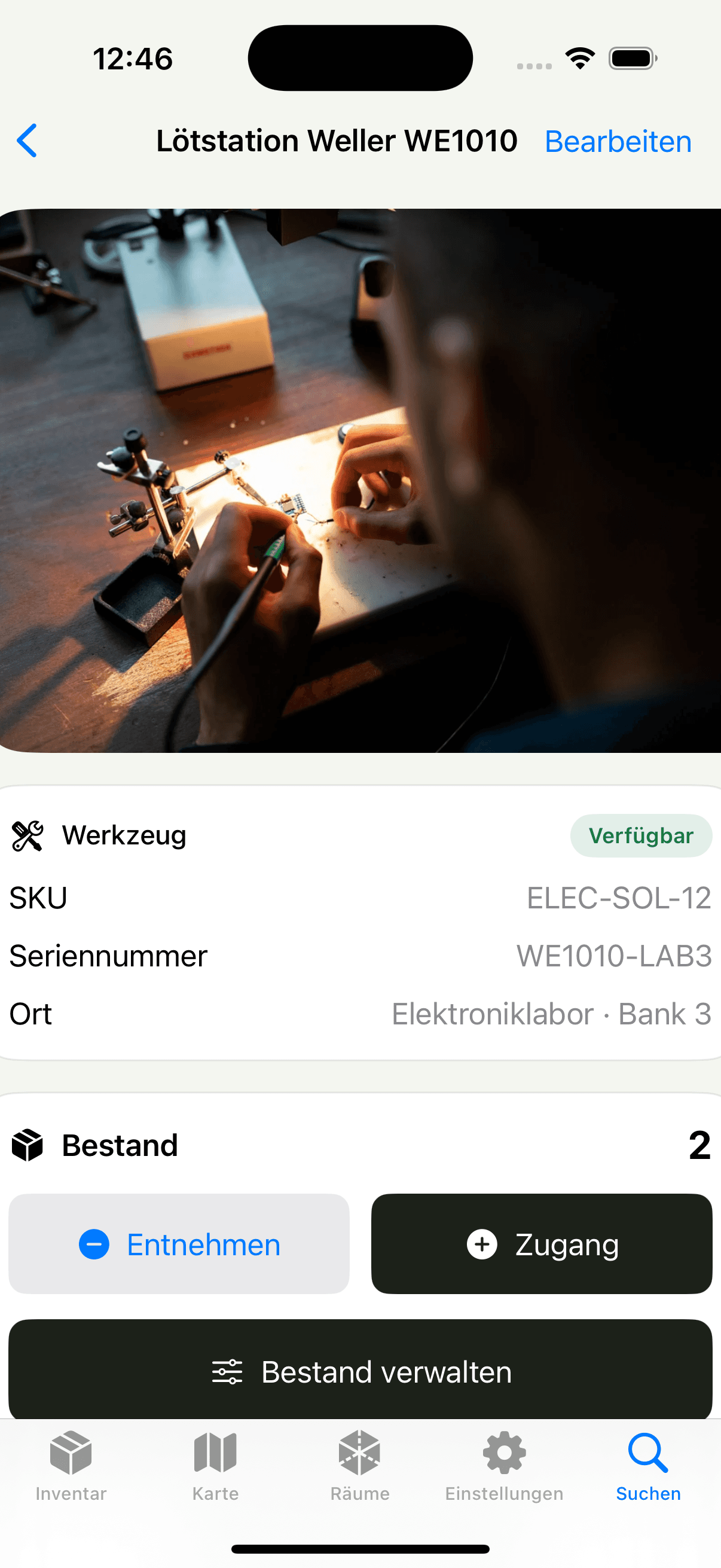
Item detail
SwiftUI and AVFoundation provide a fast camera, fluid scanning, and familiar iPhone controls instead of an embedded web interface.
The iPhone app and web application use the same records, images, permissions, and stock history.
Persistent jobs and safe retries resume interrupted uploads.
Day to day
The iPhone app uses the same records, permissions, and stock rules as the web application.
Take up to twelve photos or choose them from the photo library. The app resizes them to 2,200 pixels and creates a durable upload job.
If enabled, the app asks the server to analyze the photos and generate a cover. The suggested name, details, and selected model stay visible and editable.
Reads QR, EAN-8/13, UPC-E, Code 128, Data Matrix, PDF417, and Aztec. A UUID, inventory link, SKU, or serial number opens the matching item directly.
Search, filter, open, and edit items with protected images. The map, details, and settings are available directly on your iPhone.
Add incoming stock with one tap or confirm outgoing stock on the scanned item. The movement appears in the same history as it does on the web.
An optional server-side count returns a quantity, annotations, and confidence score. You can correct it before stock is added or removed.
More actual app states
These original captures come directly from the running app. Every record and location was purpose-built as realistic demo data; none of the interfaces were recreated or generated.
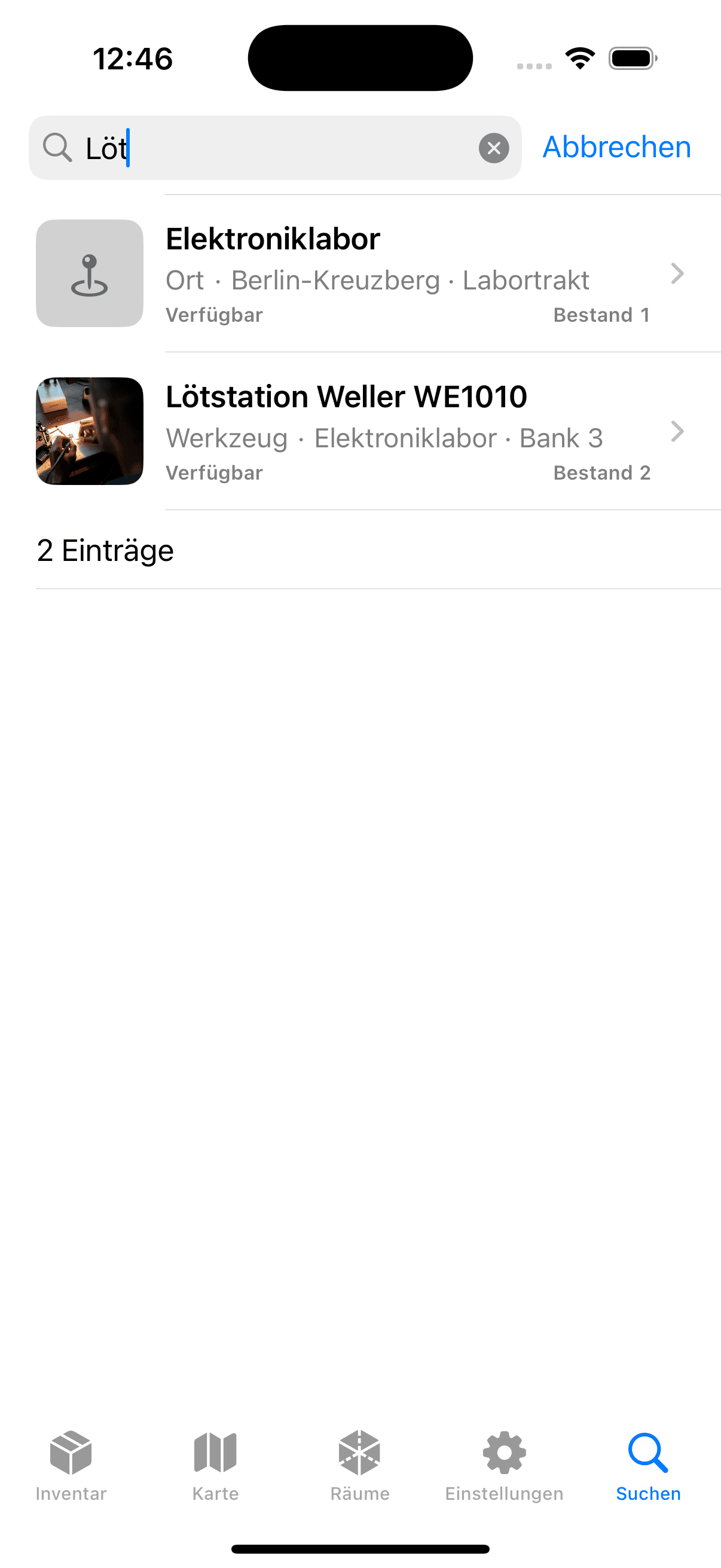
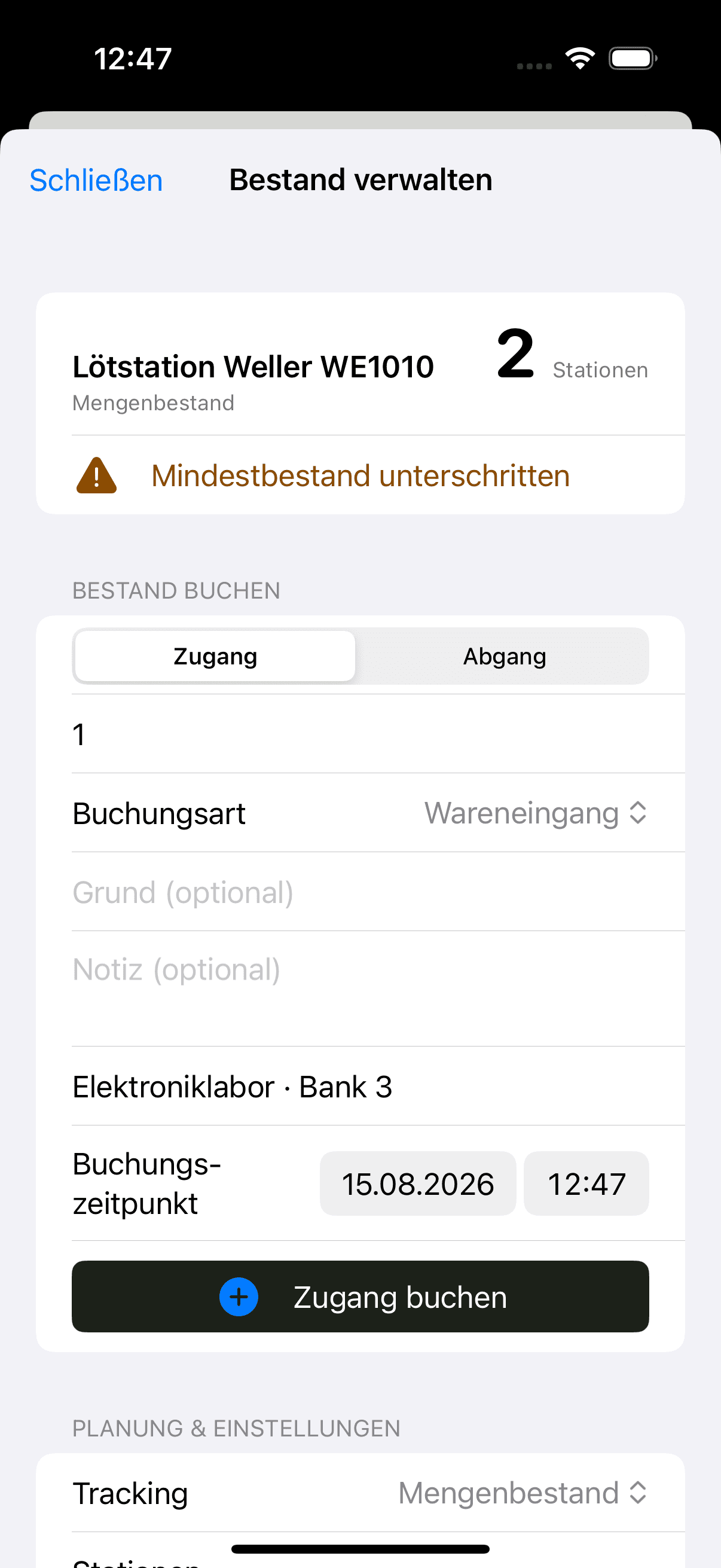
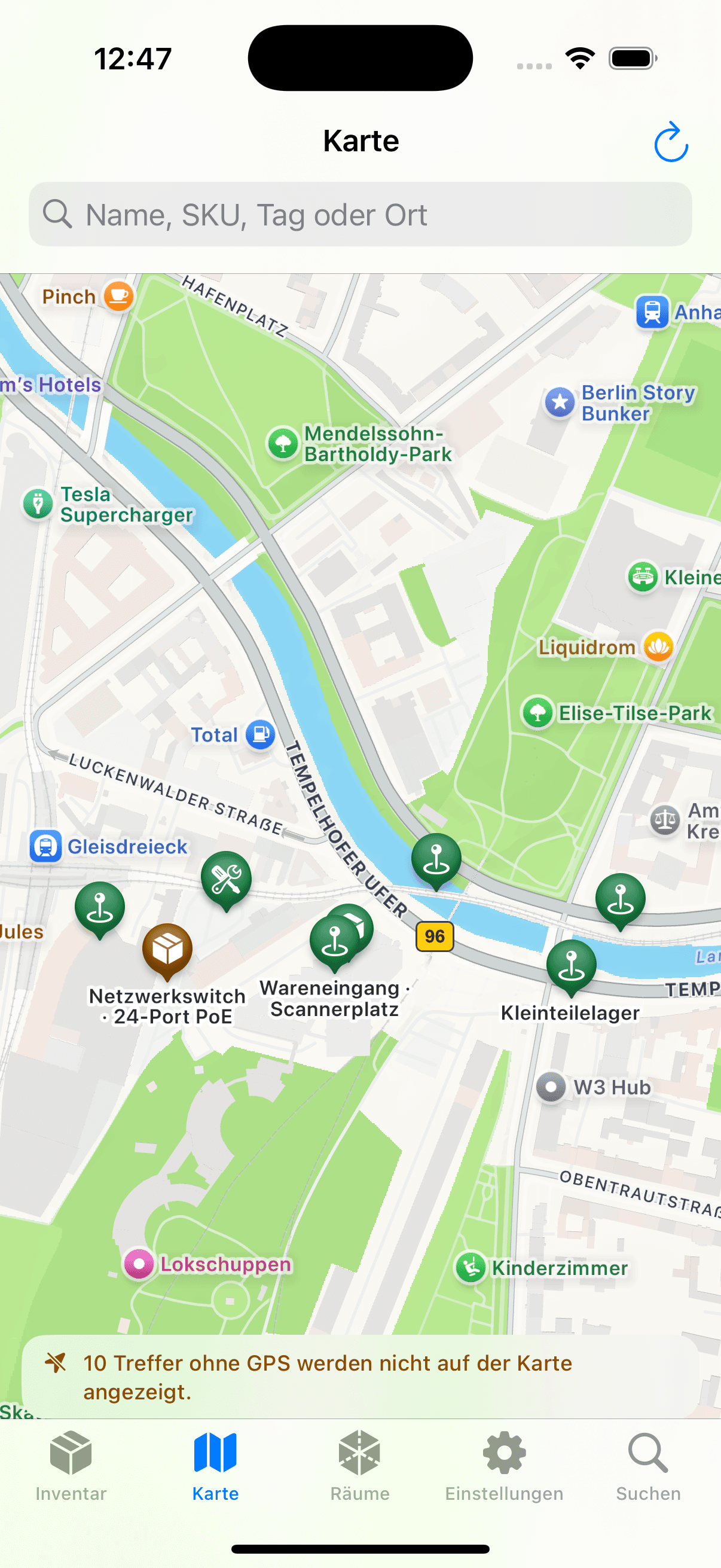
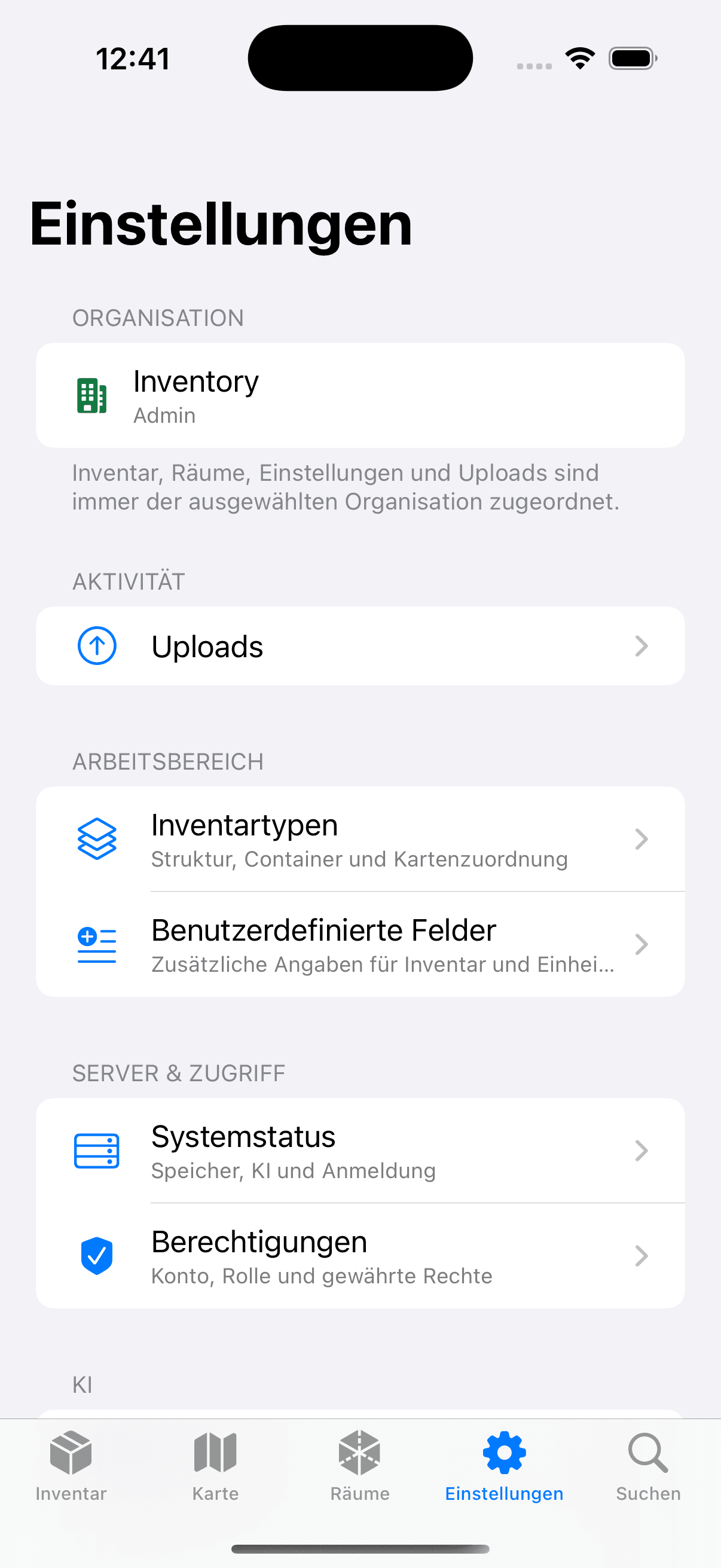
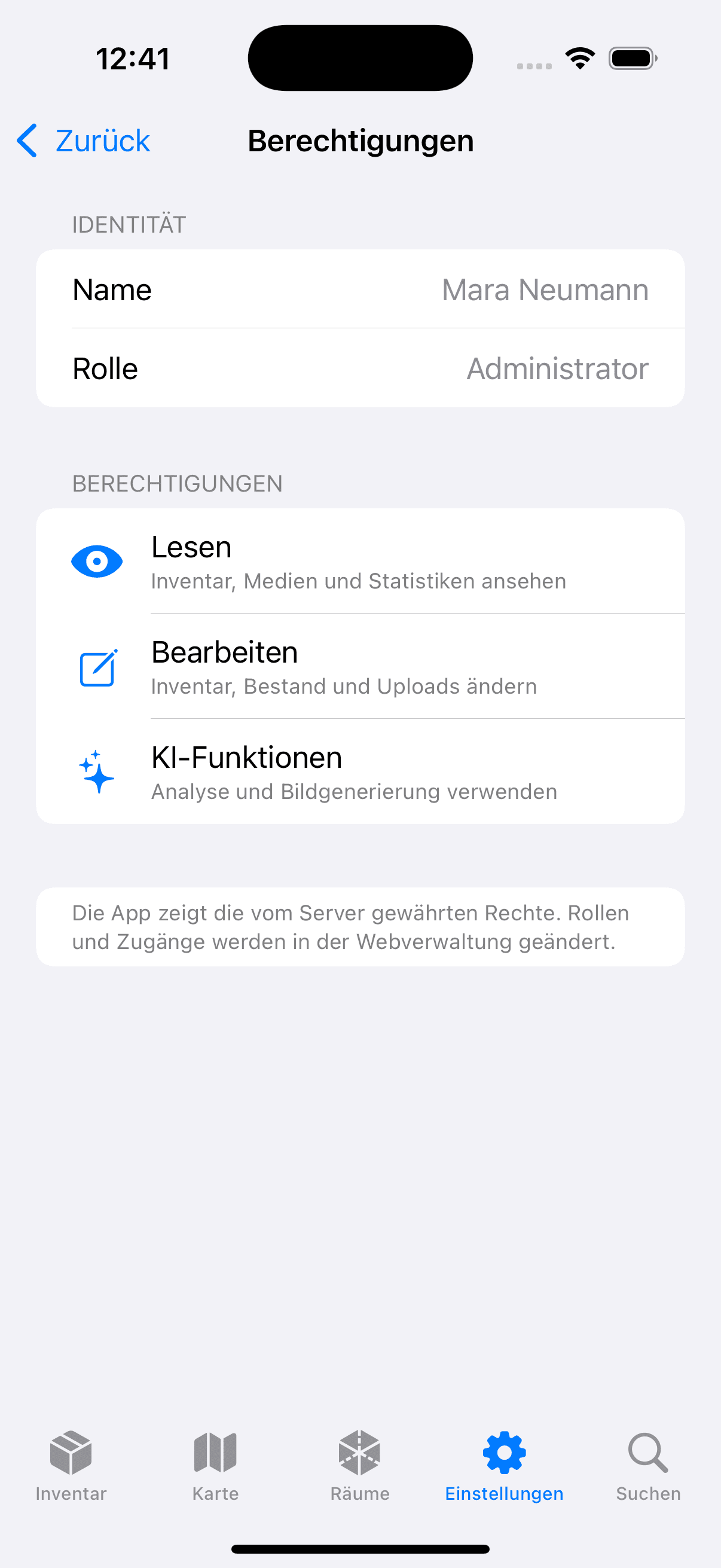
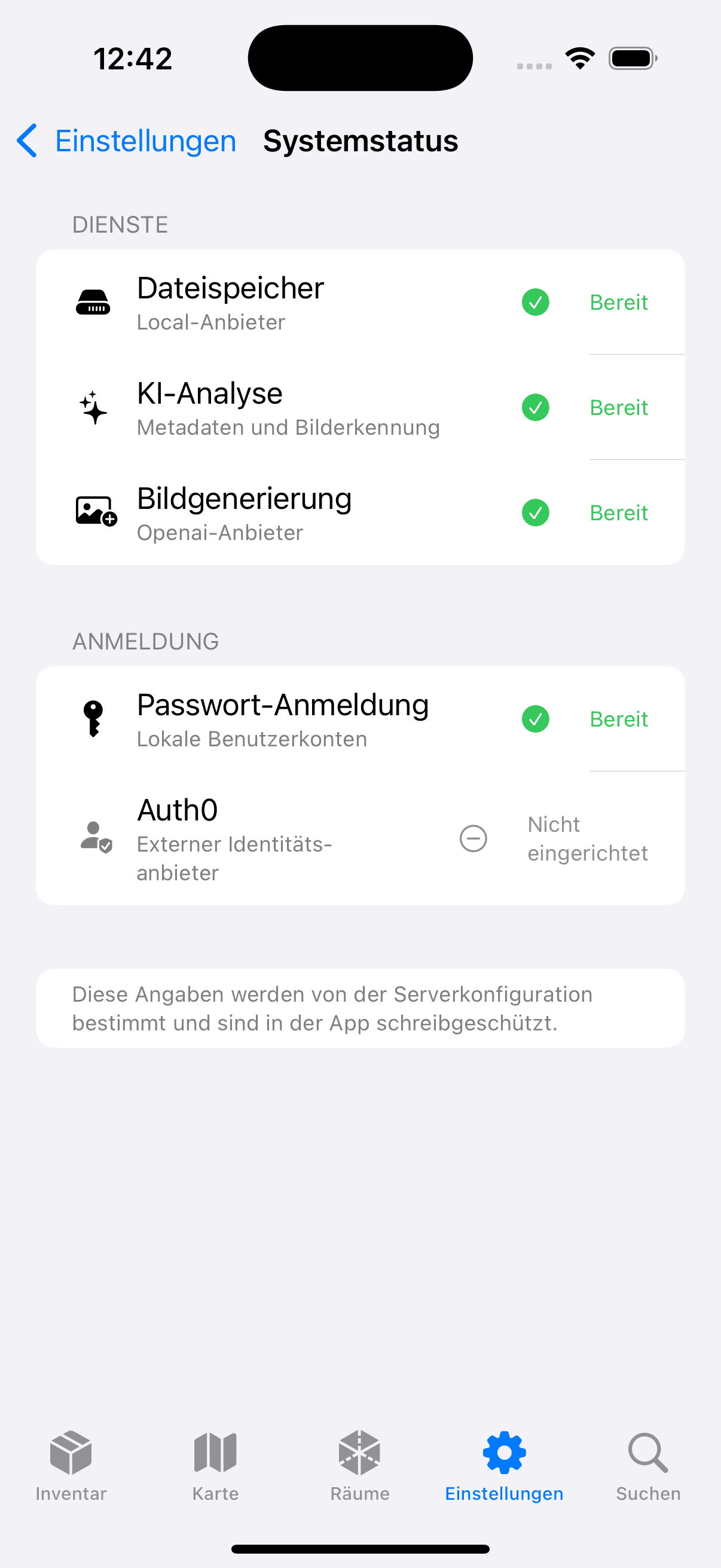
Original app captures · purpose-built demo data · no recreated interfaces
Optional on LiDAR devices
RoomPlan, depth sensing, and precise indoor placement are optional features for compatible LiDAR iPhones, usually recent Pro models. Taking photos, scanning, searching, and recording stock work on supported iPhones without LiDAR.
Connected RoomPlan captures share an explicitly labelled coordinate system.
ARKit relocalization, scene depth, or plane measurements place a photographed item inside the room.
A limited set of calibrated room photos can provide additional evidence for a position.
Measured scenes, USDZ files, and inventory markers appear in the browser under 3D Rooms.
Ready in moments
On first launch, enter the HTTPS address of your Open Inventory instance and sign in. Photos, scanning, search, stock, and rooms are then ready on your iPhone.
Your app. Your instance.
The iPhone connects directly to the HTTPS address of your Open Inventory server and uses the same accounts and permissions.
Start Open Inventory on your iPhone and allow camera access when prompted.
Enter the HTTPS address of your Open Inventory instance once.
Use your local account and choose the workspace you want to capture into.
Walk through the workshop, take photos, and let the background workflow do the rest.
Signing in creates a device token that iOS stores in Keychain.
Before upload, the app binds photos and their job to the canonical server origin and stores them locally.
Creation, media upload, analysis, and cover generation use stable keys, so a retry does not create duplicates.

Open Inventory for iPhone
Capture objects where they are used. Open Inventory turns photos, codes, stock movements, and optional spatial data into one shared inventory.