Inventory
Where is the cordless drill?
From a quick photo to a complete operation: capture inventory in seconds, then manage stock, purchasing, sales, lending, and reservations in one place.
- MIT licensed
- Docker & PostgreSQL
- Web + native iOS app
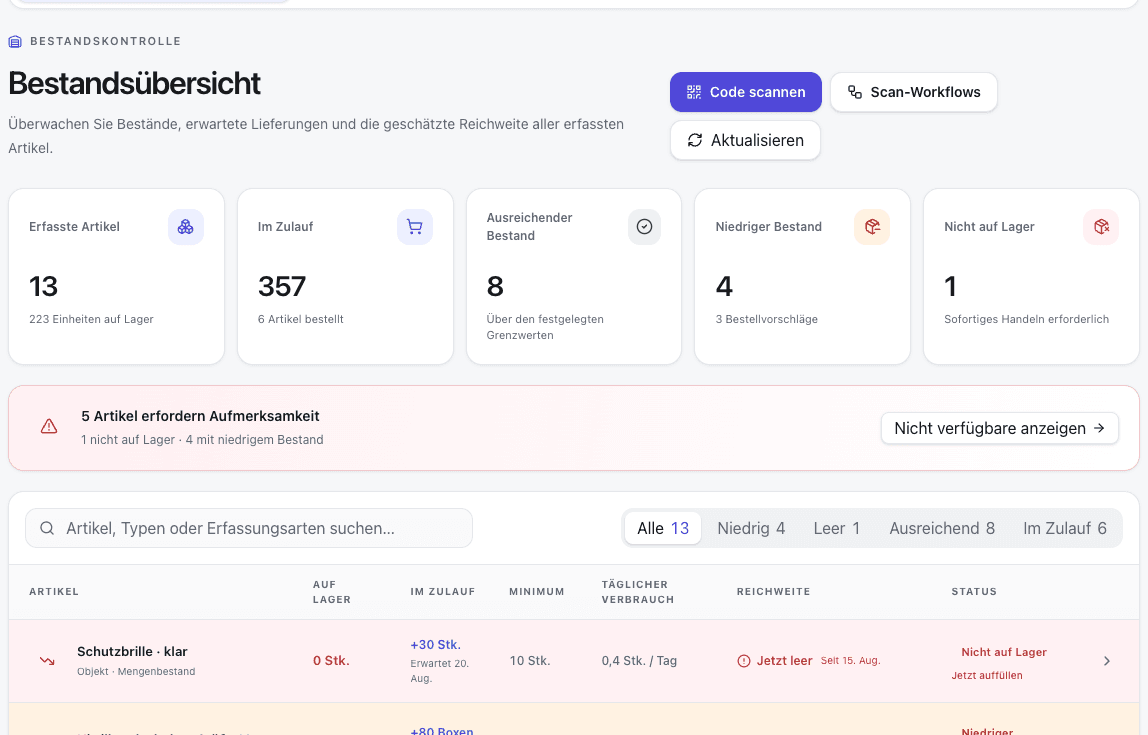
One photo · four results
Inventory, reimagined.
Walk through your workshop and photograph what is there. Open Inventory recognises visible product details, writes the record, prepares a cover, and can connect it with its position in the room.
- 01
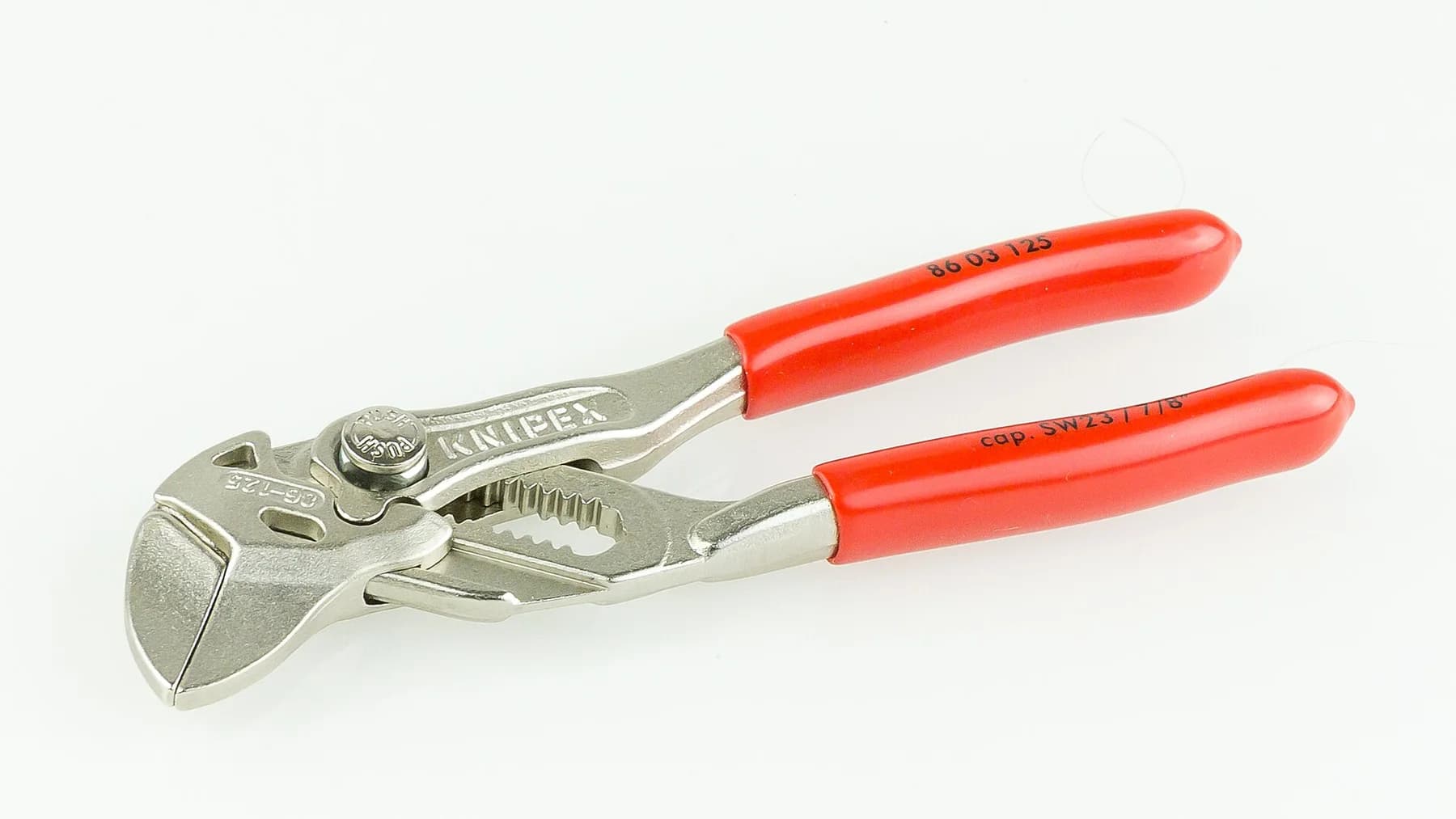 RECAUTO · 1×
Quick capture · workshop
Take a photo
A quick phone photo is enough, right where the pliers happen to be. Type and location can stay preselected for a batch.
- 02AI suggestion96%
KNIPEX Zangenschlüssel
86 03 125 · Werkzeug
Compact pliers wrench with parallel jaws and red grips for gripping and turning workpieces.
KNIPEX125 mmPliersCreate the details automatically
AI recognises visible product details and suggests a name, description, type, and tags. Location comes from batch context, GPS, or room placement.
- 03Cover
KNIPEX · 86 03 125
Prepare the cover image
Optionally, the source photo becomes a calm square cover. The original image remains attached to the record.
- 04
Spatial placement
Workshop · Bench 2
Find it in the room
GPS, the map, or a separate RoomPlan placement can connect the record with its exact place, down to the room and workbench.
The example uses the same licensed real photograph in both image stages. AI suggestions, optional cover creation, and room placement remain separate operations.
© Raimond Spekking · CC BY-SA 4.0Recently added
From an individual object to the complete operation.
Open Inventory now covers the workflows around stock as well: plan, purchase, sell, lend, reserve, and reconcile with an external store.
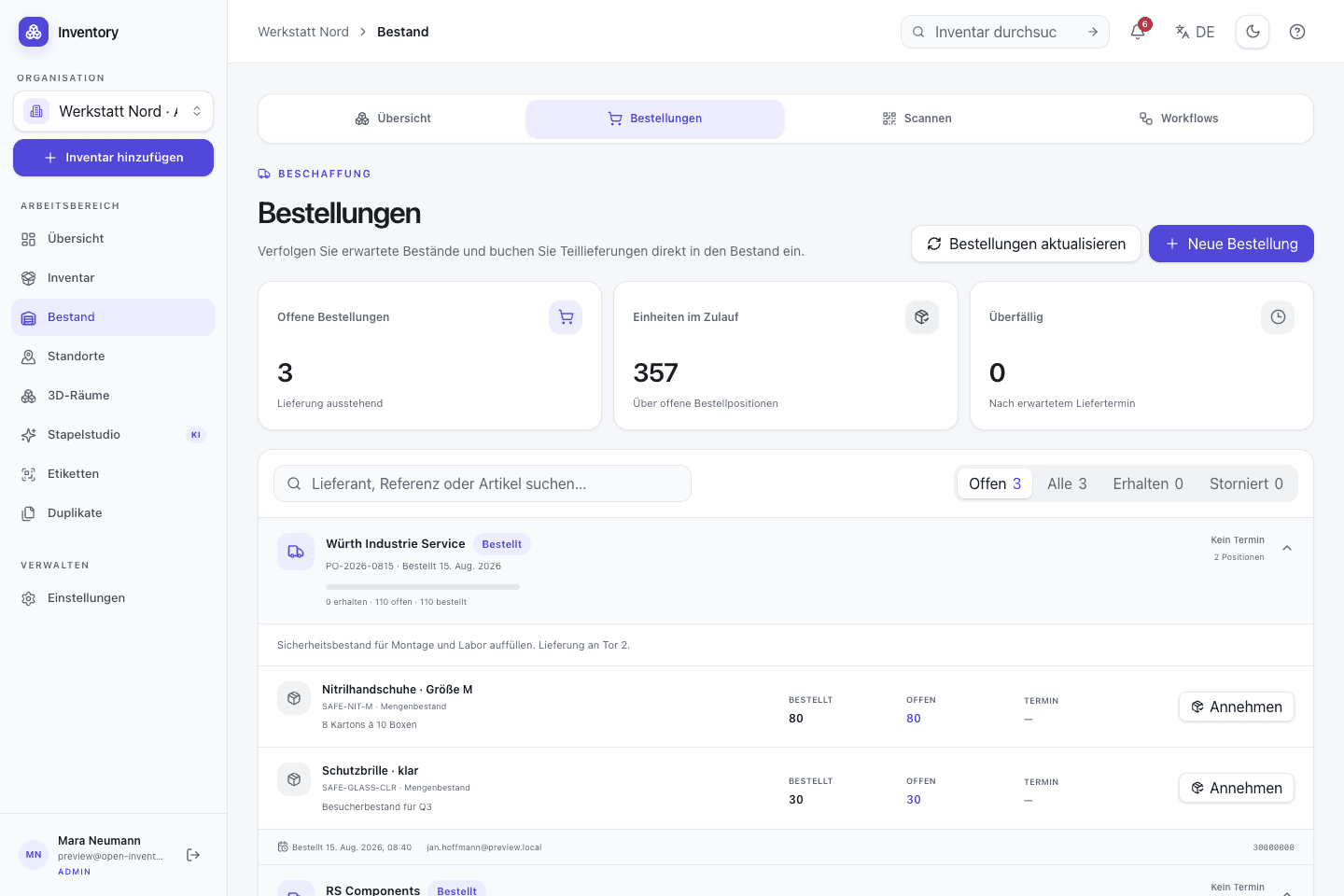
Purchases, sales, and loans
Multi-line operations keep contacts, items, due dates, and stock movements in one shared history.
Request
Reserve
Issue
Return
Operations in one place
Manage purchases, sales, and multi-line loans with partial quantities, serialized units, contacts, and due dates.
Learn moreRequests and calendar
Submit, approve, reserve, and fulfil internal demand. The calendar exposes upcoming allocation before approval.
Learn moreWooCommerce sync
Reconcile orders with bulk stock by exact SKU, including webhooks, refunds, reversals, and targeted retries.
Learn moreVariants and options
Connect existing records as a variant family or generate configurations from options, with separate stock per variant.
Learn moreCosts under control
Track prices on stock movements, material costs, and estimated AI spend with a monthly organization limit.
Learn moreFind it faster
Favorite important records and keep selected views available offline on trusted devices under explicit control.
Learn moreWhat Open Inventory can do
Everything visible. Everything within reach.
From automatic capture to search, variants, purchasing, sales, lending, and stock management, Open Inventory supports equipment throughout its working life.
One record carries its photographs, generated details, location, stock history, labels, and permissions through every workflow.
Capture automatically
Photos become suggested names, descriptions, types, and tags, one at a time or in a fast batch.View details02Prepare consistent images
Originals stay attached while an optional square cover creates a calm, consistent inventory grid.View details03Find anything immediately
Search, favorites, tags, QR, and barcodes lead to the record with media, variants, condition, stock, and location.View details04Place it spatially
Structured locations, GPS, map features, and optional RoomPlan rooms show where an item actually is.View details05Manage stock and operations
Quantities, serialized devices, purchases, sales, loans, requests, and reservations remain traceable.View details06Connect workflows and stores
Labels, scan workflows, WooCommerce, API tokens, and OpenAPI 3.1 connect teams and external processes.View detailsFor shared equipment
Useful wherever objects move.
Three typical workflows show how location, quantities, and returns work together.
01
Makerspace
Track machines individually and screws as bulk stock. A QR scan opens checkout at the shelf.
See the workflow02
Workshop and field service
When a tool case moves to a van, a scan opens the location change. Its return continues the history.
See the workflow03
Small technical team
Assign test equipment to a person and manage prototype parts as stock. Search shows the recorded room or cabinet.
See the workflowOperations and data flow
Your server remains at the centre.
The application, database migrations, OpenAPI contract, and iOS source are published together under the MIT license.
Self-hosting
Docker Compose starts the application, migrations, and PostgreSQL. TLS, backups, and updates remain your responsibility.
Optional AI
Without provider keys, image analysis stays off. When used, required content goes to the service configured for the instance.
Native iOS app
The SwiftUI client captures photos, scans codes, and keeps pending uploads in a persistent outbox.
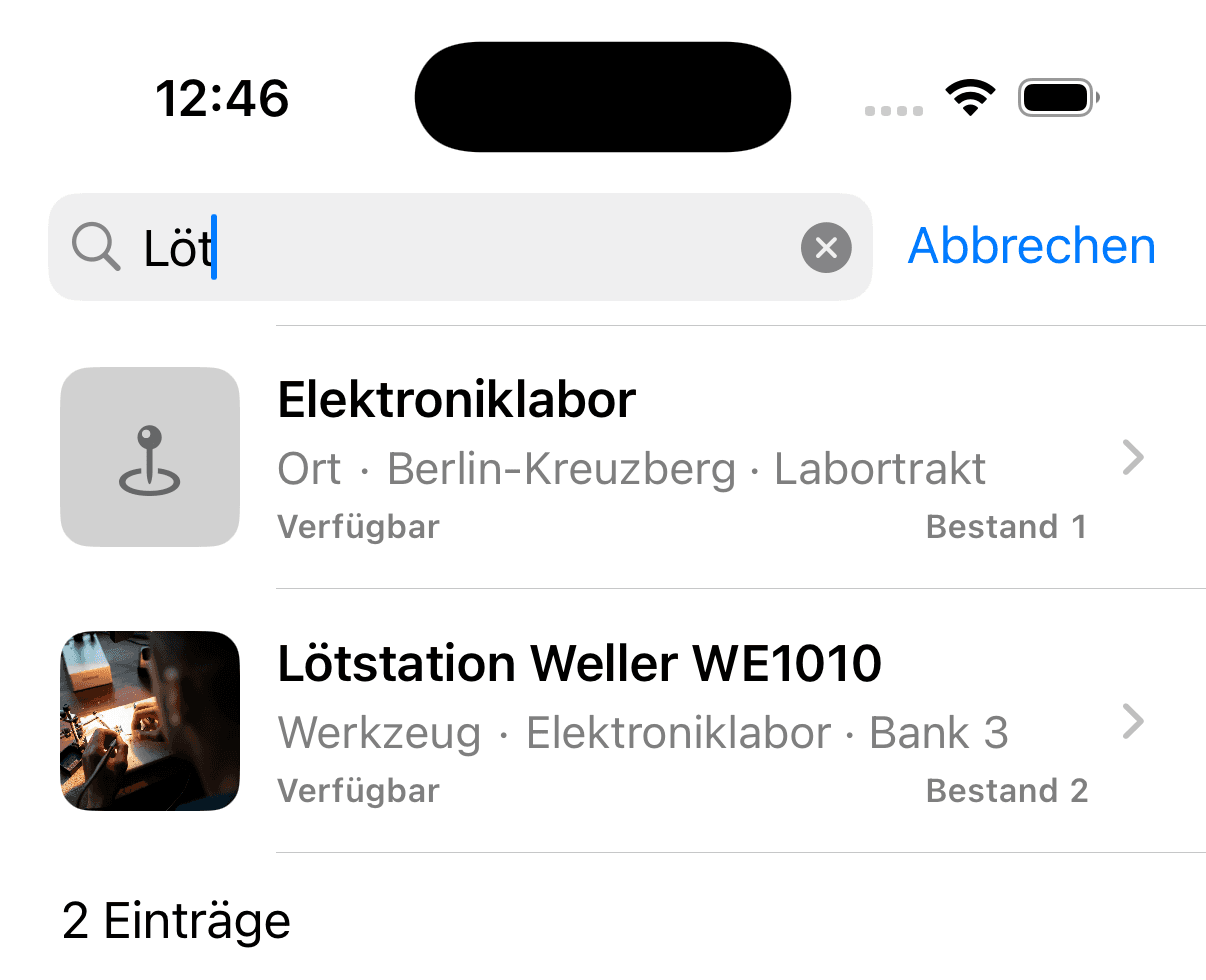
First test
Start with the thing everyone keeps looking for.
Run the Docker setup, photograph it, record its location, and print the QR label. That small workflow will tell you whether Open Inventory fits your team.