Capture at the cart
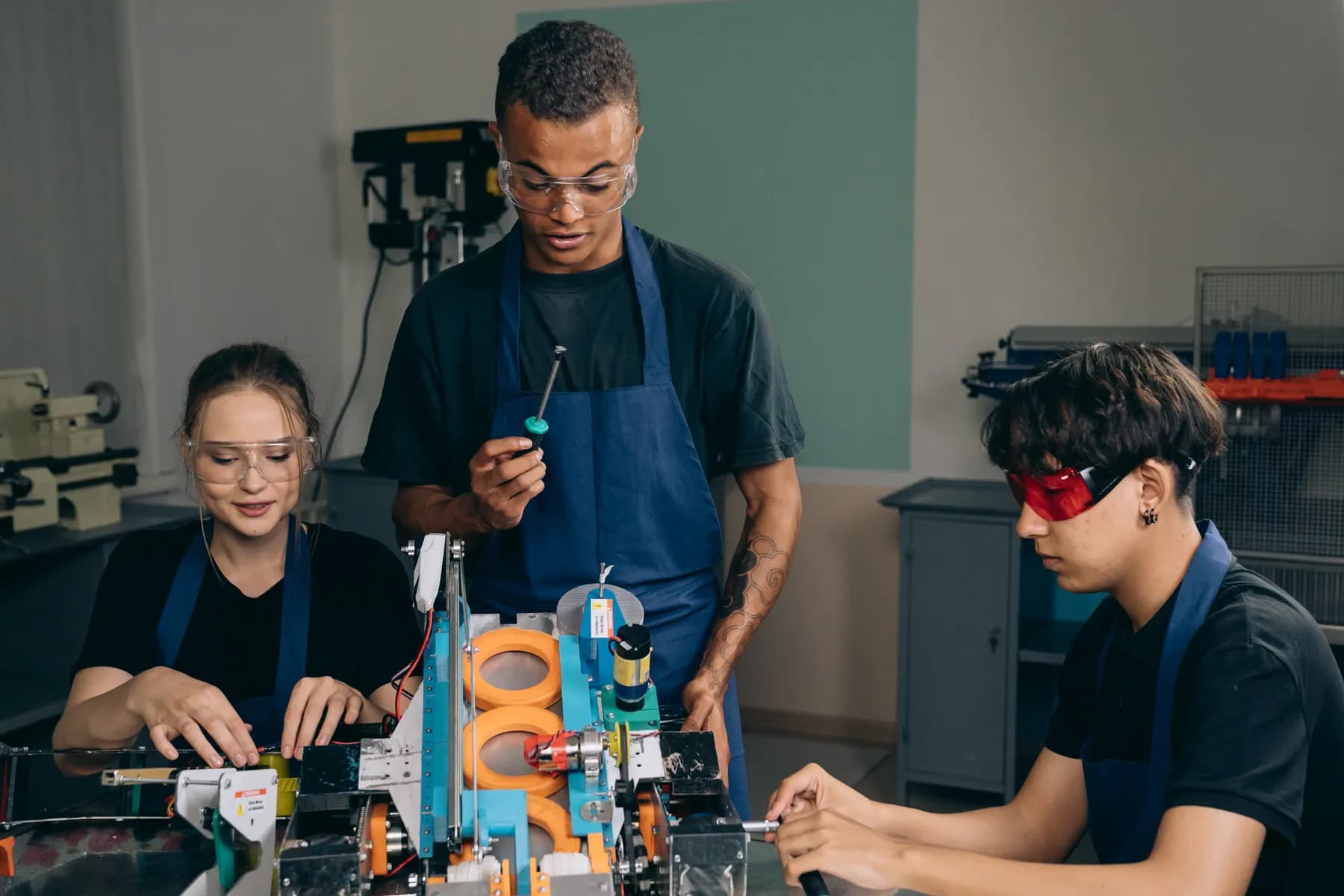
Photograph new equipment in the room and review any suggested title, type, or tags before saving.
Open Inventory for School
Open Inventory connects device records, carts, labels, assignments, and count cycles in a self-hosted application. It tracks physical inventory; it does not replace mobile-device management, identity management, or safeguarding systems.
Capture path
Take a photo · review the draft · save the record
Operational problem
Devices move between classrooms, carts, and borrowers. When serial numbers, condition notes, and returns live in separate lists, staff lose a reliable view during handover and scheduled inventory checks.
A workflow at the point of use
Capture starts with a camera or an existing code. Structured fields and deeper workflows are added without hiding the transaction being made.
Photograph new equipment in the room and review any suggested title, type, or tags before saving.
Give each tablet or measuring device its own identifier and state while cables and sensors can remain quantity stock.
Resolve the correct device from its code and confirm the recipient, room, issue, or return.
Schedule recurring checks and reconcile counted quantities by location without deleting the previous result.
Relevant capabilities
These capabilities are part of the same MIT-licensed application. Open Inventory does not split them into closed industry editions.
Track tablets individually and keep cables, sensors, or classroom consumables as quantities.
Connect devices, carts, and cabinets to the corresponding record or approved scan workflow.
Keep lending, reservation, return, and cancellation events instead of replacing the previous assignee.
Represent where equipment belongs and where it is currently recorded.
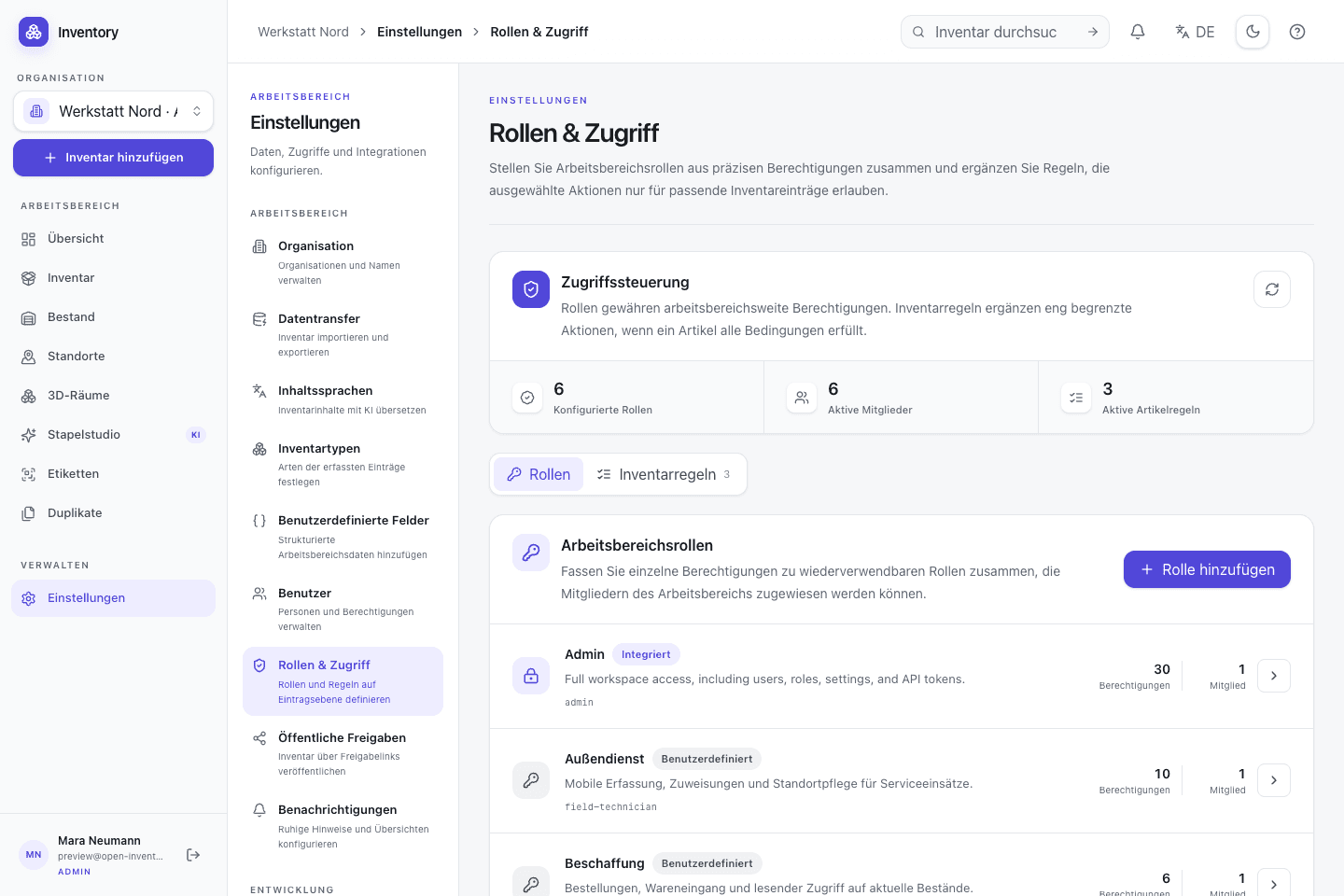
Separate read, capture, lending, stock, and administrative access for different school roles.
Validate CSV imports and use CSV or the REST API for supported inventory data.

Native iOS app
SwiftUI · included in the repository
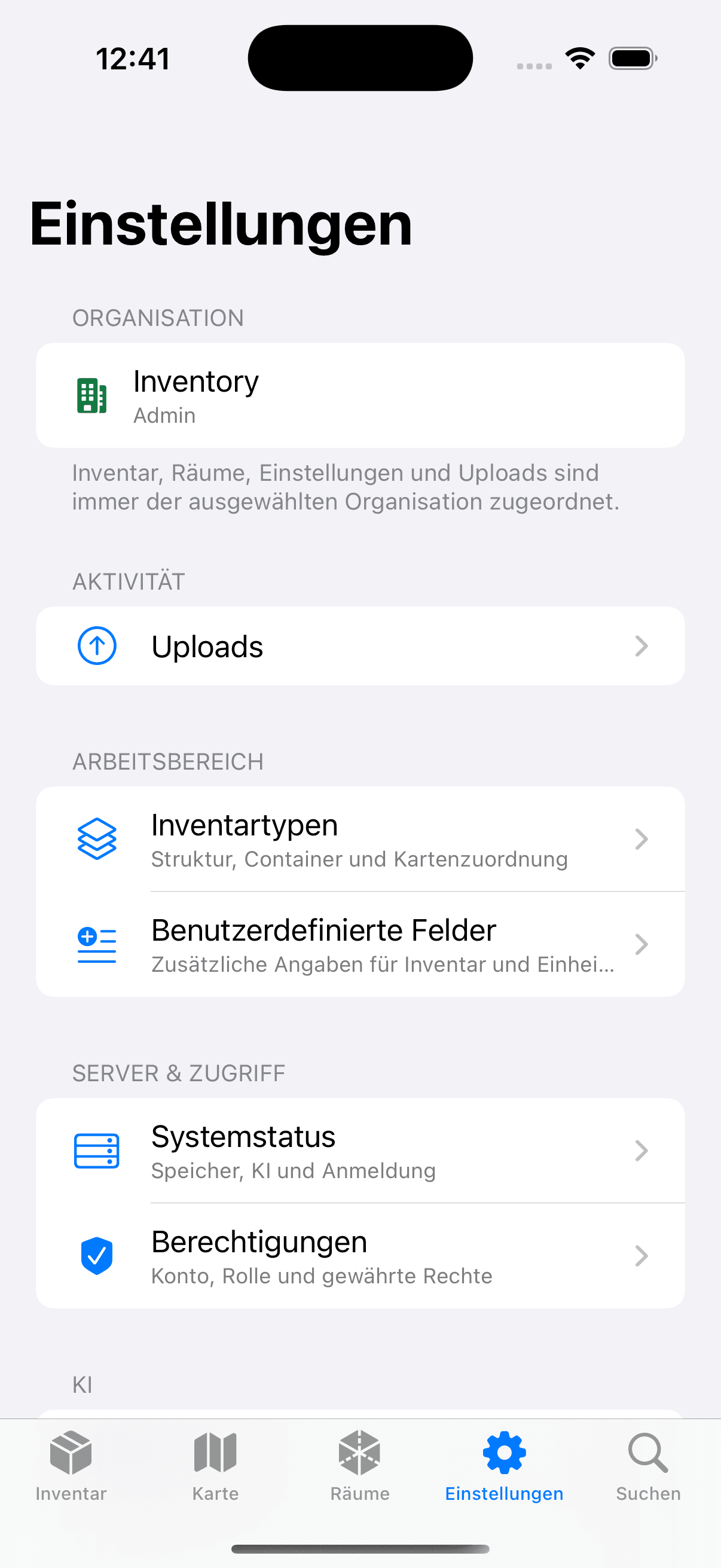
The native SwiftUI app scans identifiers, captures condition photos, and performs authorised actions against the school's own instance.
Open source is part of the operating model
Open Inventory is MIT-licensed and deployable with Docker. Source, migrations, API, and iOS code are inspectable; the school still defines hosting, account policy, retention, backups, and any optional external services.
Run it on your infrastructure
Start the Docker stack, photograph one real object, and inspect the resulting fields and media before choosing a wider rollout.