Photograph the instrument
Capture the device, nameplate, accessories, and condition in several ordered images, then review suggested fields.
Open Inventory for Lab
Open Inventory is an open inventory component for technical labs and prototyping spaces. It is not a LIMS: it does not manage samples, analytical results, or regulated laboratory processes.
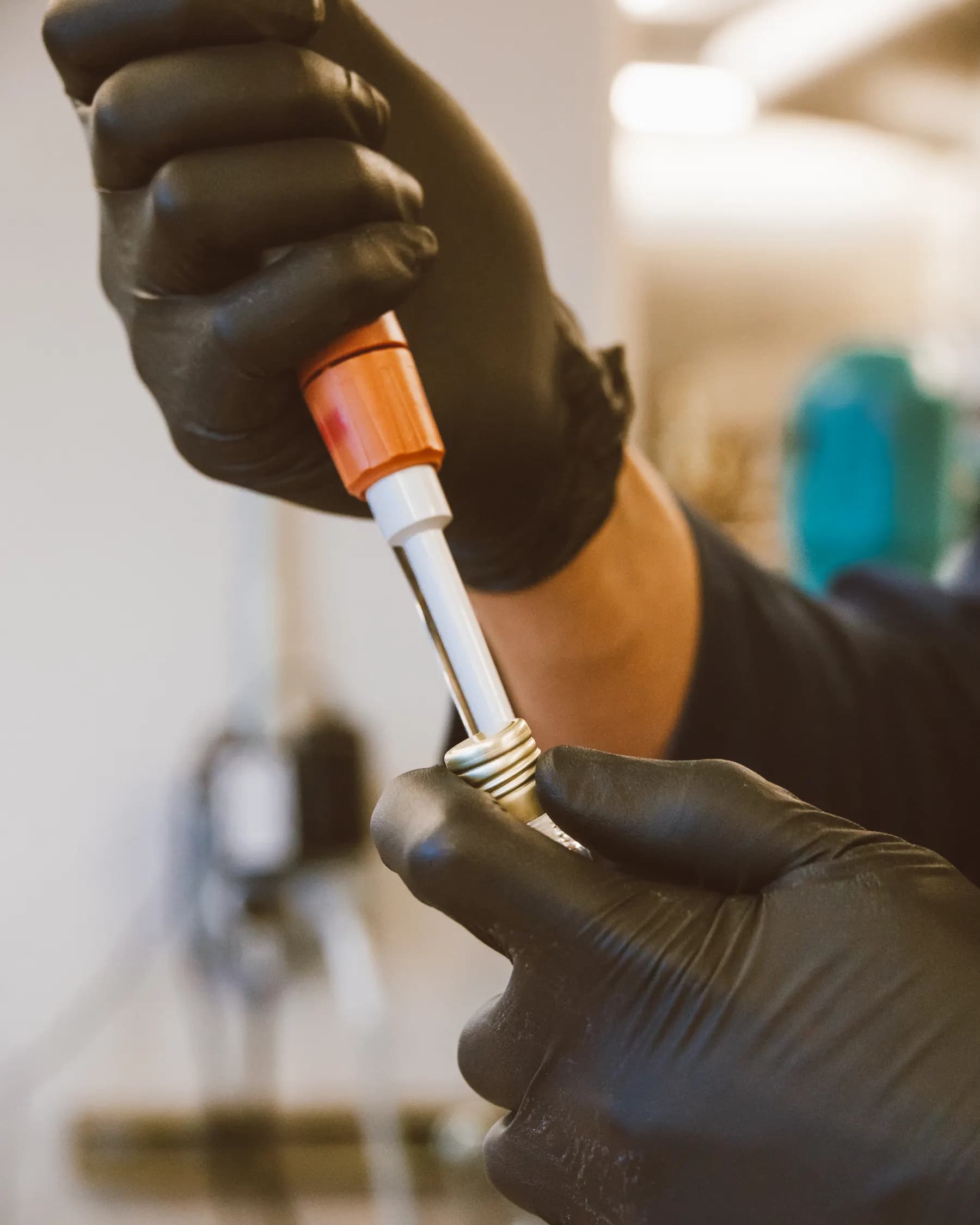
Capture path
Take a photo · review the draft · save the record
Operational problem
Shared instruments, components, and prototype assemblies move between benches. Serial data, accessories, revision, and current location need to stay connected without forcing the lab into a closed specialist inventory product.
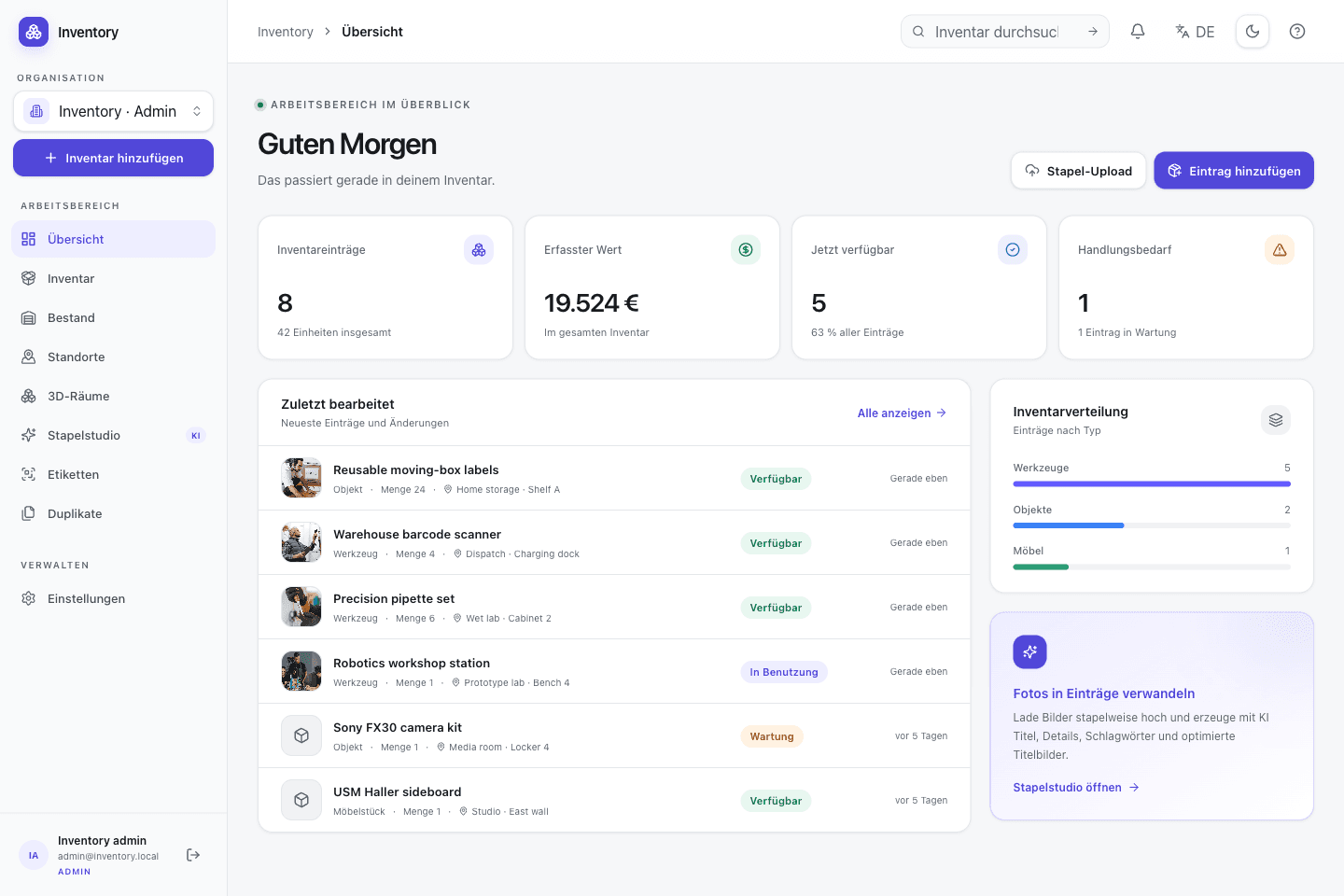
A workflow at the point of use
Capture starts with a camera or an existing code. Structured fields and deeper workflows are added without hiding the transaction being made.
Capture the device, nameplate, accessories, and condition in several ordered images, then review suggested fields.
Represent calibration date, manufacturer data, revision, or responsible group with explicit inventory types and fields.
Use relationships or bills of materials to link instruments, probes, fixtures, and consumed prototype parts.
Keep assignments, transfers, and count results as dated records and expose supported data to further analysis.
Relevant capabilities
These capabilities are part of the same MIT-licensed application. Open Inventory does not split them into closed industry editions.
Keep instrument, nameplate, accessory, and condition images in a deliberate order with accessible alt text.
Use serial numbers for instruments and quantity tracking for sensors, connectors, and interchangeable parts.
Link accessories and prototype components; assembly transactions can consume component stock atomically.
Use structured locations and optional room data for equipment shared across work areas.
Retain transfers, assignments, and recurring reconciliation results rather than overwriting the previous state.
Build internal analysis or automation against the versioned OpenAPI file and revocable scoped tokens.
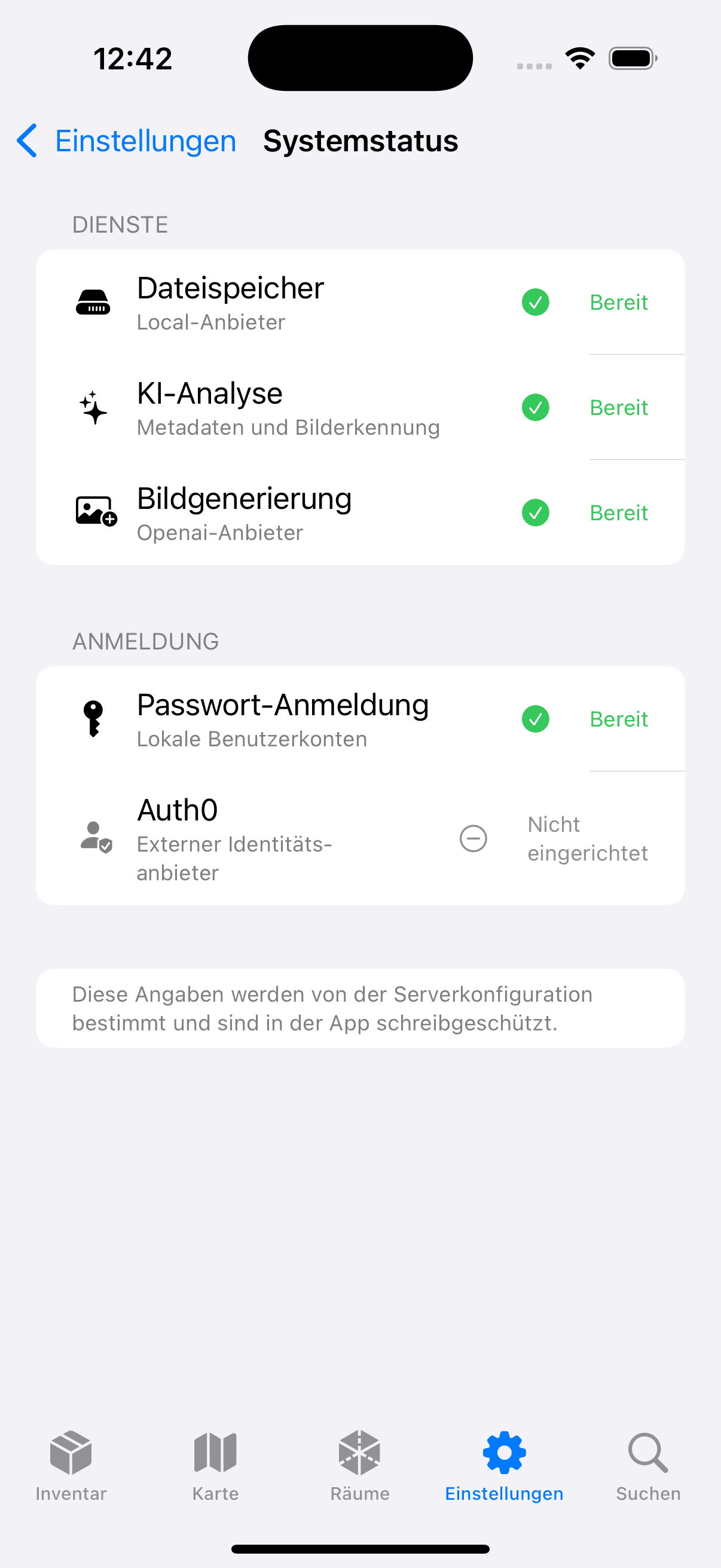

Native iOS app
SwiftUI · included in the repository
The native iOS app photographs equipment, recognises codes, and uses the same API as the web client. The server remains the lab's own instance.
Open source is part of the operating model
Open Inventory publishes the web application, API, migrations, and iOS app under MIT. CSV and OpenAPI support reuse; external AI, map, authentication, or storage providers are optional configuration, not a hidden requirement.
Run it on your infrastructure
Start the Docker stack, photograph one real object, and inspect the resulting fields and media before choosing a wider rollout.