Catalogue existing material
Photograph equipment and review its structured fields. Existing identifiers can be retained as SKU or serial data.
Open Inventory for Club and lending group
Open Inventory supports equipment catalogues, reservations, checkouts, locations, and public read-only views. It is not membership-management software; it focuses on the physical items a club or lending group operates.

Capture path
Take a photo · review the draft · save the record
Operational problem
Volunteers change, equipment moves between events, and knowledge about incomplete kits can live with one person. A useful system must make the next checkout quick while preserving enough history for maintainers to resolve problems.
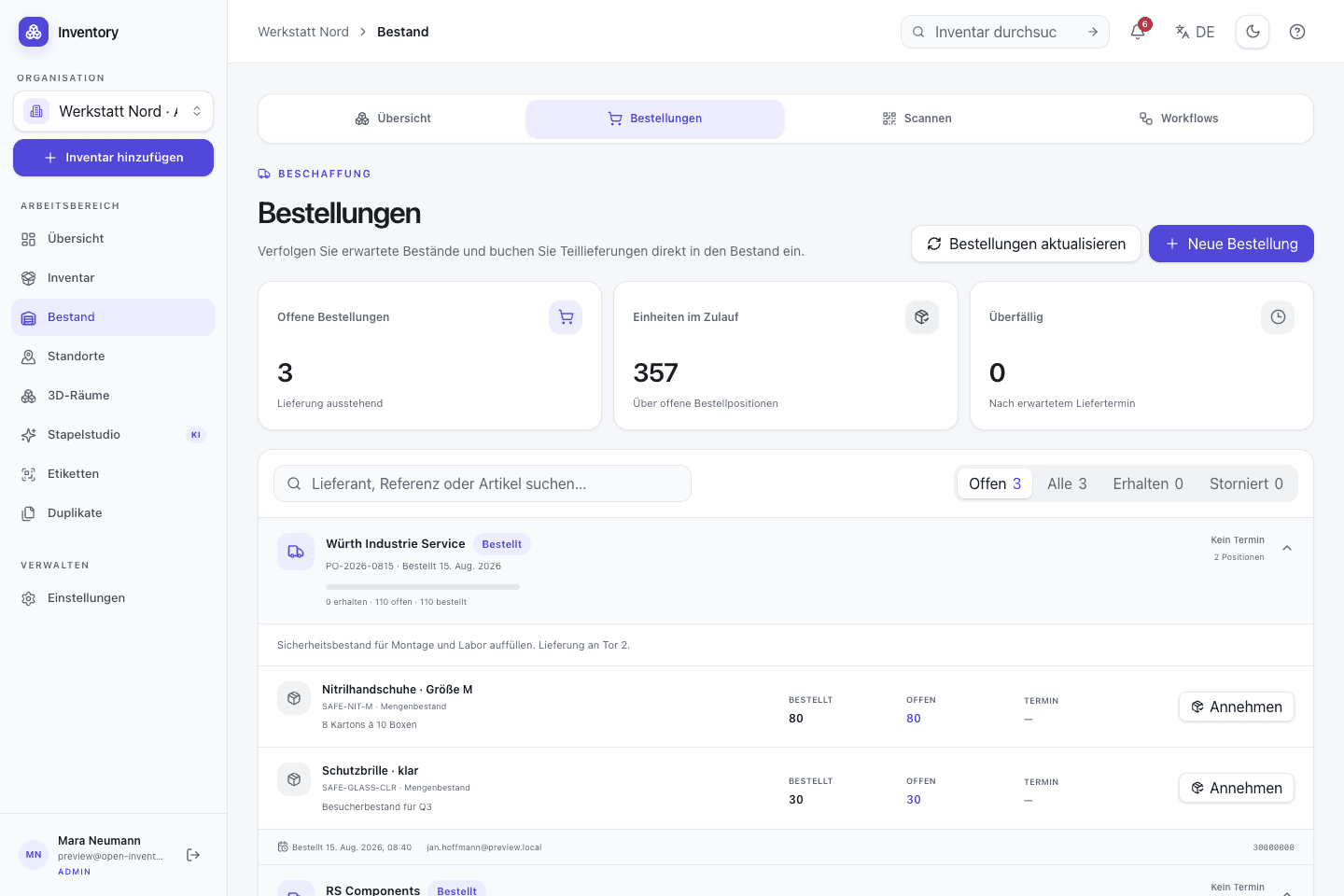
A workflow at the point of use
Capture starts with a camera or an existing code. Structured fields and deeper workflows are added without hiding the transaction being made.
Photograph equipment and review its structured fields. Existing identifiers can be retained as SKU or serial data.
Assign each record to a room, cabinet, shelf, or kit so the return destination is visible.
Open the record from its label and confirm the reservation, checkout, or return with the actual person present.
Use history, status, and stock counts to find missing items or incomplete kits without rewriting earlier events.
Relevant capabilities
These capabilities are part of the same MIT-licensed application. Open Inventory does not split them into closed industry editions.
Expose a deliberately selected read-only view for members or borrowers while keeping management routes protected.
Store reservation, assignment, checkout, return, and cancellation as explicit workflow records.
Use QR or barcode labels to resolve the correct item before changing its state.
Separate catalogue access, lending operations, record maintenance, and full administration.
Track an individual camera kit separately while keeping identical tables or consumables as quantity stock.
Use low-stock information and open purchase orders to make replenishment visible to the next maintainer.
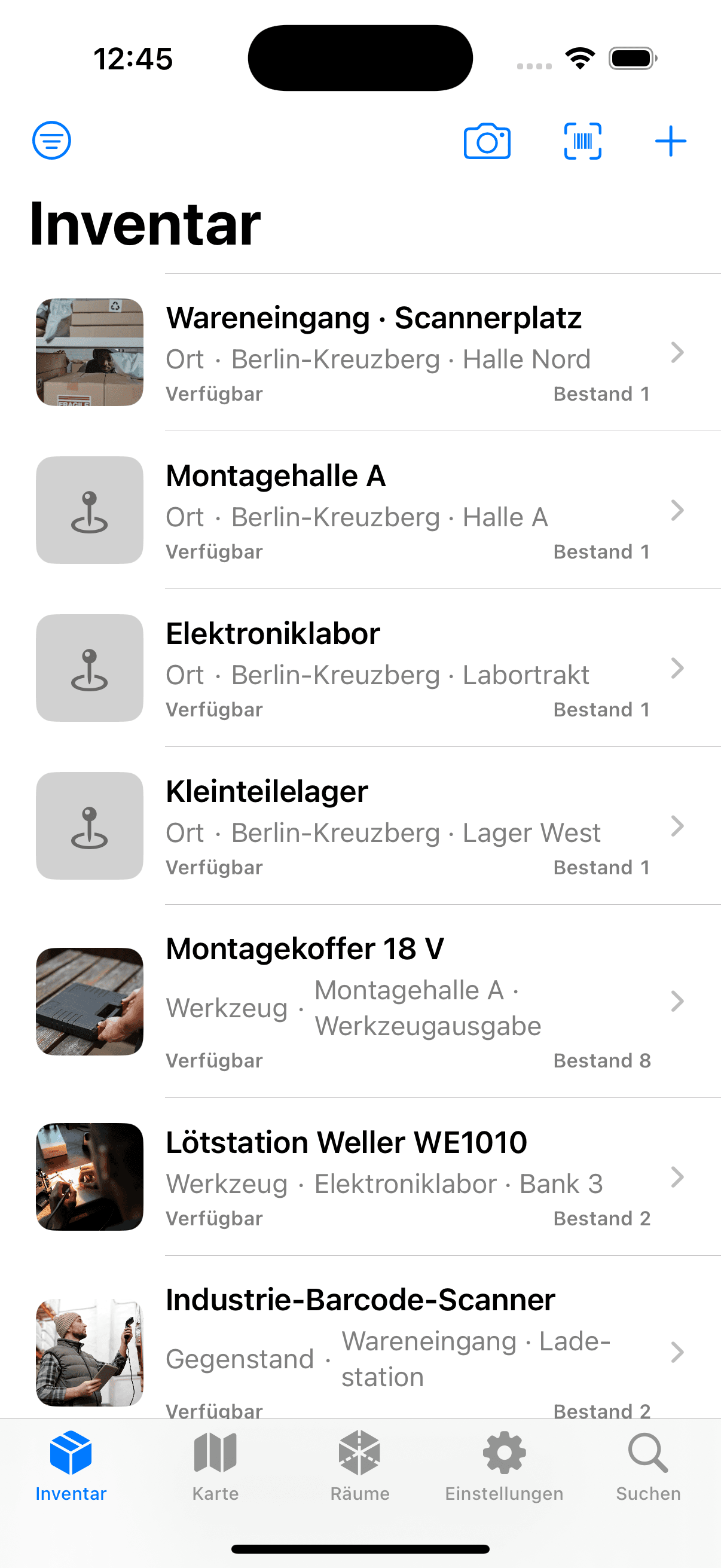

Native iOS app
SwiftUI · included in the repository
The native iPhone app talks to the club's own instance. It supports camera capture, code recognition, search, and authenticated stock or assignment operations.
Open source is part of the operating model
MIT-licensed code, versioned migrations, Docker deployment files, and a documented API reduce dependence on one vendor or one volunteer's spreadsheet. The operator still owns maintenance, backups, and access policy.
Run it on your infrastructure
Start the Docker stack, photograph one real object, and inspect the resulting fields and media before choosing a wider rollout.