Photograph each view
Capture the object, marks, and relevant details as ordered media rather than collapsing documentation into one cover image.
Open Inventory for Collection
Open Inventory provides an open inventory layer for private, research, or working collections. It can document objects and their locations, but it is not presented as a complete museum collection-management or digital-preservation system.

Capture path
Take a photo · review the draft · save the record
Operational problem
A useful catalogue needs more than a title and one image. Views, identifiers, provenance notes, related objects, containers, and the current physical location have to remain connected without locking the material into an opaque platform.
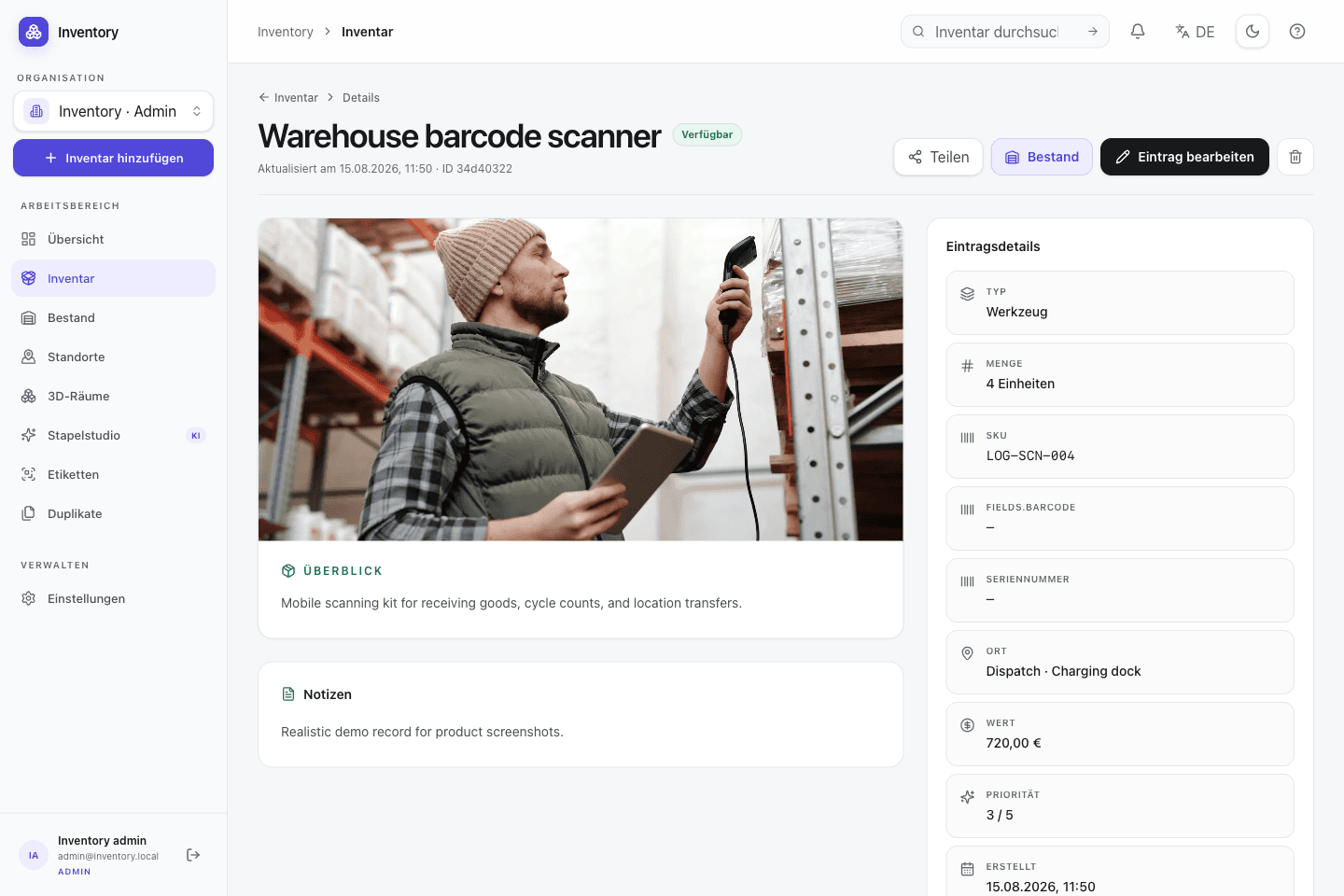
A workflow at the point of use
Capture starts with a camera or an existing code. Structured fields and deeper workflows are added without hiding the transaction being made.
Capture the object, marks, and relevant details as ordered media rather than collapsing documentation into one cover image.
Use inventory types and typed custom fields for identifiers, dates, material, provenance, or review state.
Link containers, parts, related objects, and spatial locations while retaining the object's own record.
Share selected read-only records or process core data through CSV and the documented REST API.
Relevant capabilities
These capabilities are part of the same MIT-licensed application. Open Inventory does not split them into closed industry editions.
Store several images, PDFs, and captions with explicit ordering and a separate cover selection.
Represent parts, sets, source objects, and nested storage without encoding every relation in free text.
Combine structured locations, maps, and optional room data where that level of spatial detail is useful.
Keep canonical content languages and review translated titles or descriptions field by field.
Publish a selected subset as a read-only catalogue without exposing the internal workspace.
Use CSV for supported core fields and OpenAPI for structured integrations; retain database and media backups for recovery.
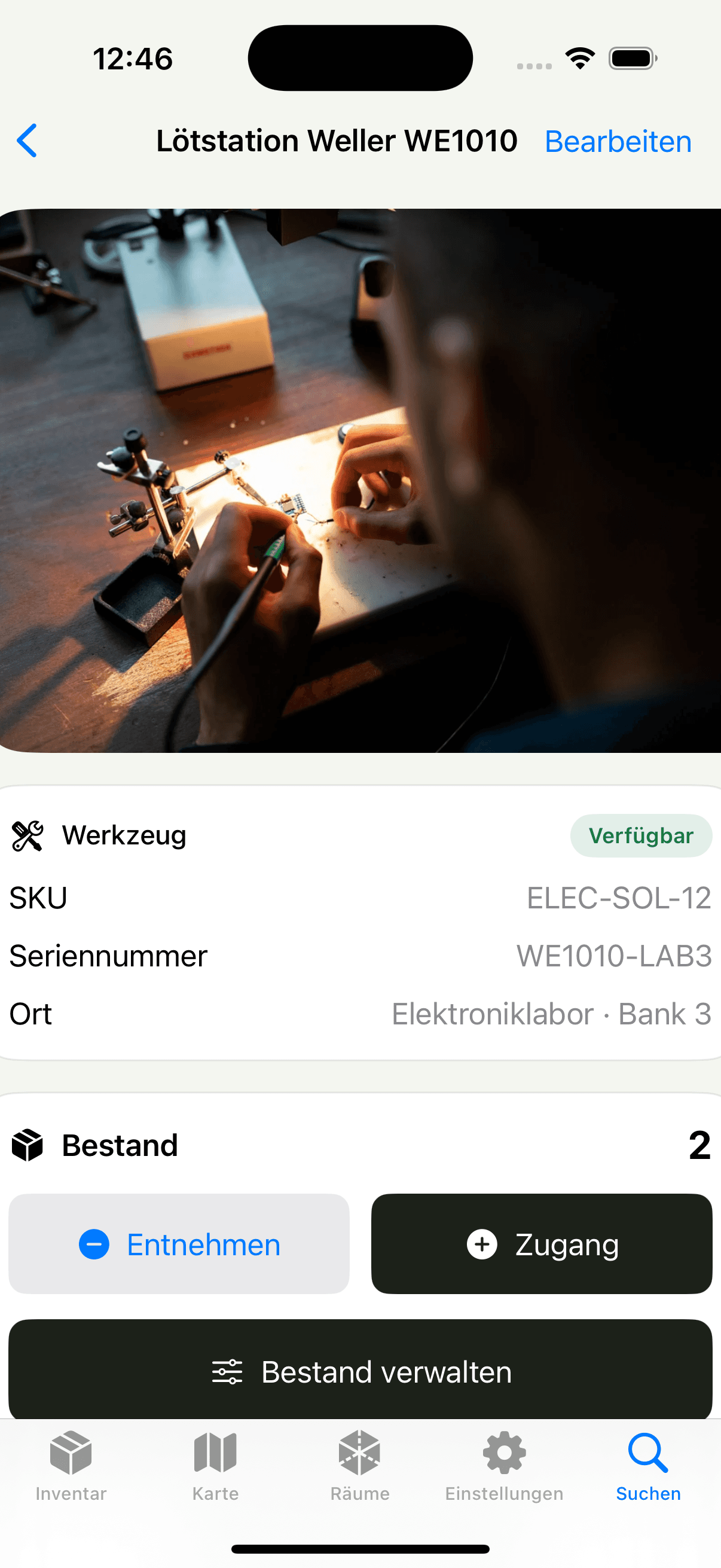

Native iOS app
SwiftUI · included in the repository
The native app captures several views, scans identifiers, and writes to the same self-hosted API as the web interface. Suggestions and translations remain reviewable.
Open source is part of the operating model
Open Inventory publishes its application code, schema migrations, API contract, and iOS app under MIT. It offers practical export and integration paths, while long-term preservation policy remains a responsibility of the collection operator.
Run it on your infrastructure
Start the Docker stack, photograph one real object, and inspect the resulting fields and media before choosing a wider rollout.