Capture the item
Photograph the tool and its nameplate. Any generated title, tags, or description remain a draft until someone reviews them.
Open Inventory for Makerspace
Open Inventory combines a tool catalogue, stock records, and checkout workflows in one self-hosted system. A new item can start with a photo; members can later resolve its location, status, and available quantity by search or code.
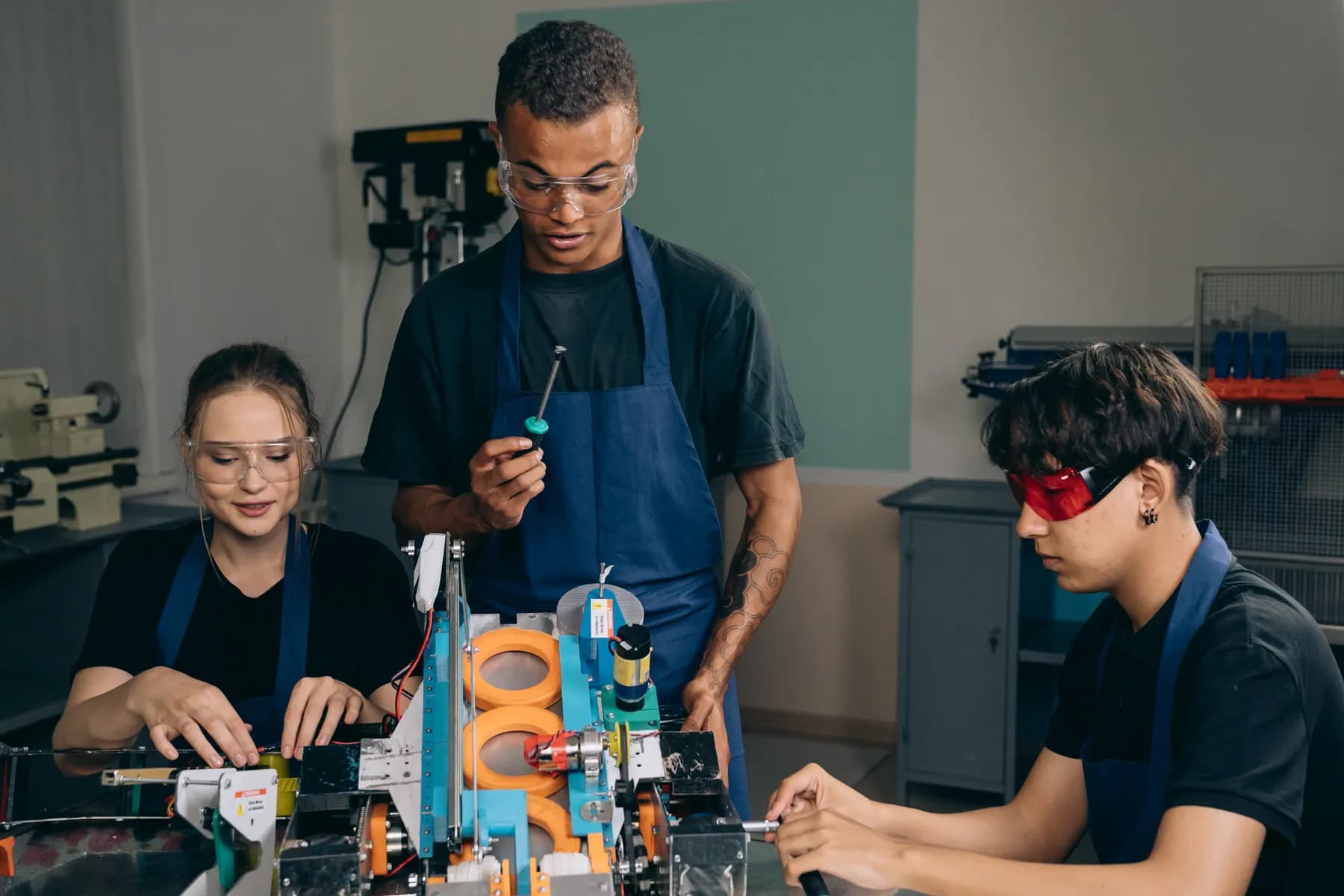
Capture path
Take a photo · review the draft · save the record
Operational problem
Machines, individual tools, and bulk material move between benches and members every day. A spreadsheet rarely identifies which serialised unit was issued, which accessories belong to it, or whether consumables have reached their reorder point.
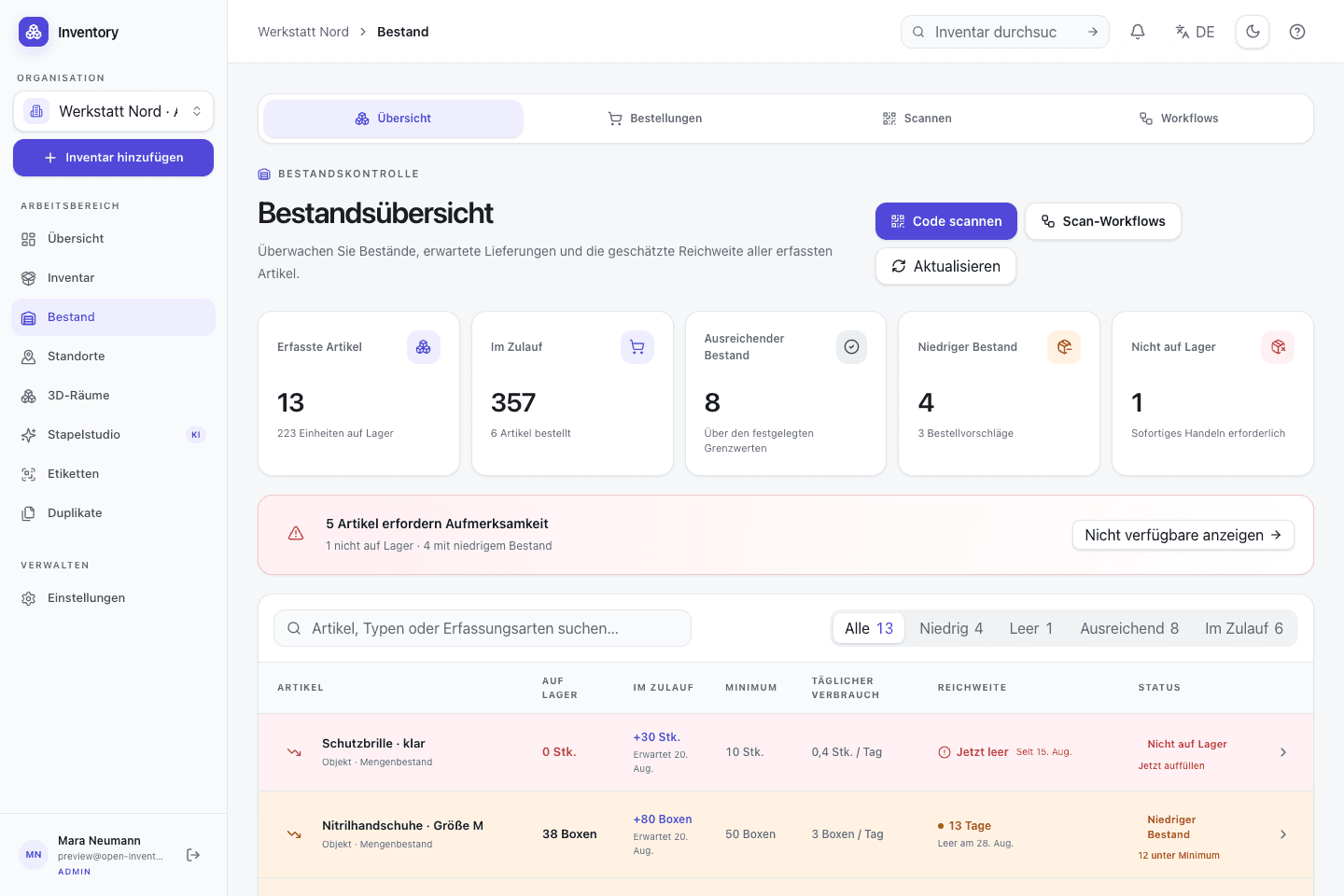
A workflow at the point of use
Capture starts with a camera or an existing code. Structured fields and deeper workflows are added without hiding the transaction being made.
Photograph the tool and its nameplate. Any generated title, tags, or description remain a draft until someone reviews them.
Use quantity tracking for interchangeable material and serialised units for machines or tools that need an individual state.
Print a QR or Code 128 label that resolves to the item through the documented short-link route.
Confirm checkout, return, transfer, or consumption at the shelf so the current state and its history stay connected.
Relevant capabilities
These capabilities are part of the same MIT-licensed application. Open Inventory does not split them into closed industry editions.
Keep screws and cable ties as quantities while machines receive their own serial number, code, state, and assignment history.
Build physical labels in millimetres and link them to inventory records or configured scan actions.
Reservations, issues, returns, and transfers are dated events rather than a single overwritten status field.
Model storage locations and map positions so a search result describes where an item should actually be found.
Combine stock thresholds, purchase orders, and bills of materials for workshop kits and repeatable builds.
Separate browsing, editing, stock operations, and administration for members, maintainers, and workshop staff.
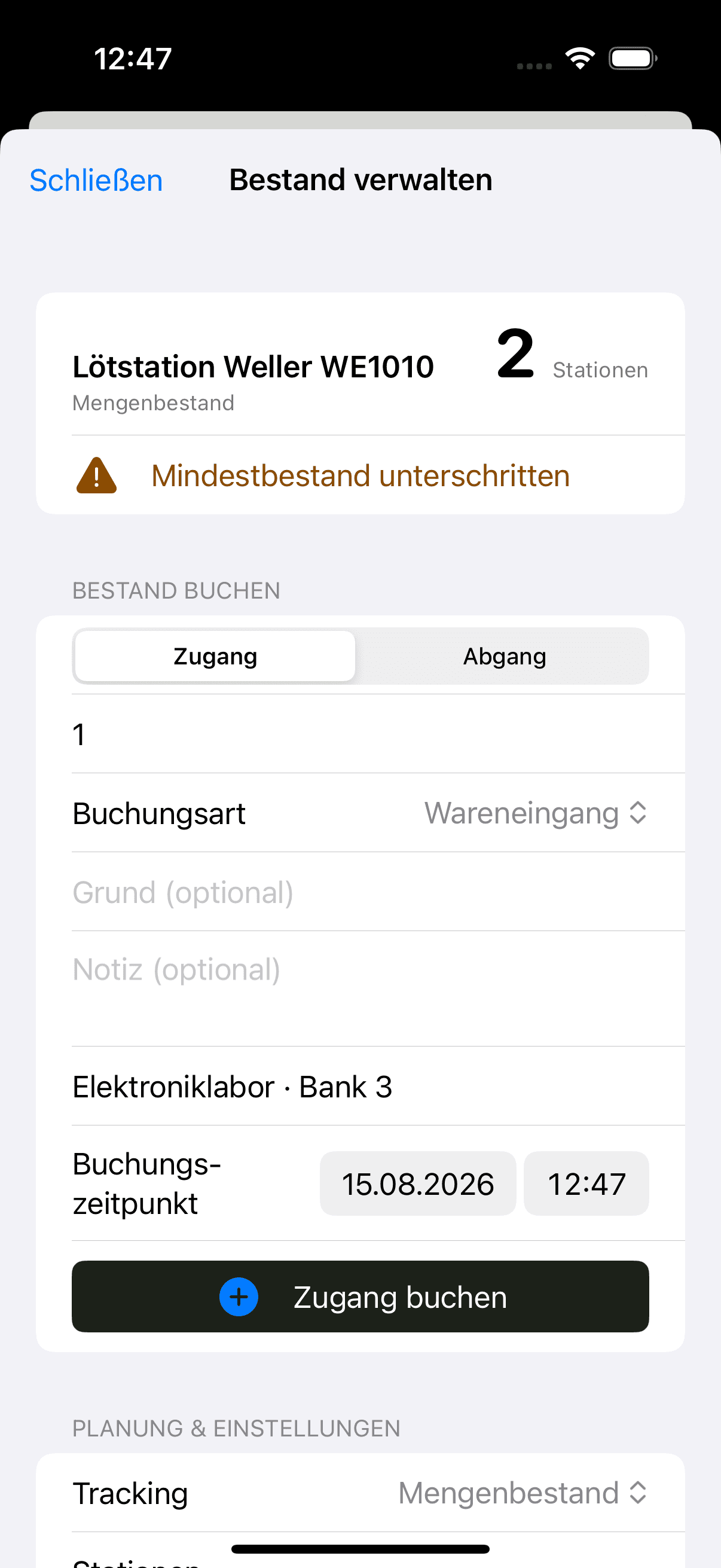

Native iOS app
SwiftUI · included in the repository
The native SwiftUI app is part of the same MIT-licensed repository. It scans codes, captures photos, and sends authenticated requests to your own Open Inventory server.
Open source is part of the operating model
The web application, PostgreSQL migrations, OpenAPI contract, and iOS source are published under the MIT license. Self-hosting also means the operator remains responsible for backups, updates, TLS, and any optional external AI or storage provider.
Run it on your infrastructure
Start the Docker stack, photograph one real object, and inspect the resulting fields and media before choosing a wider rollout.