Self-hosting inventory: components and operational work
Next.js, PostgreSQL, and upload storage can run on your infrastructure. Backups, TLS, upgrades, and external data paths still need explicit configuration.
Open Inventory
Technical notes · MIT licensed
Summary
- The application and PostgreSQL run in the Docker Compose stack
- Uploads can use local storage or Openinary
- Backups, restore tests, TLS, monitoring, and upgrades remain operator tasks
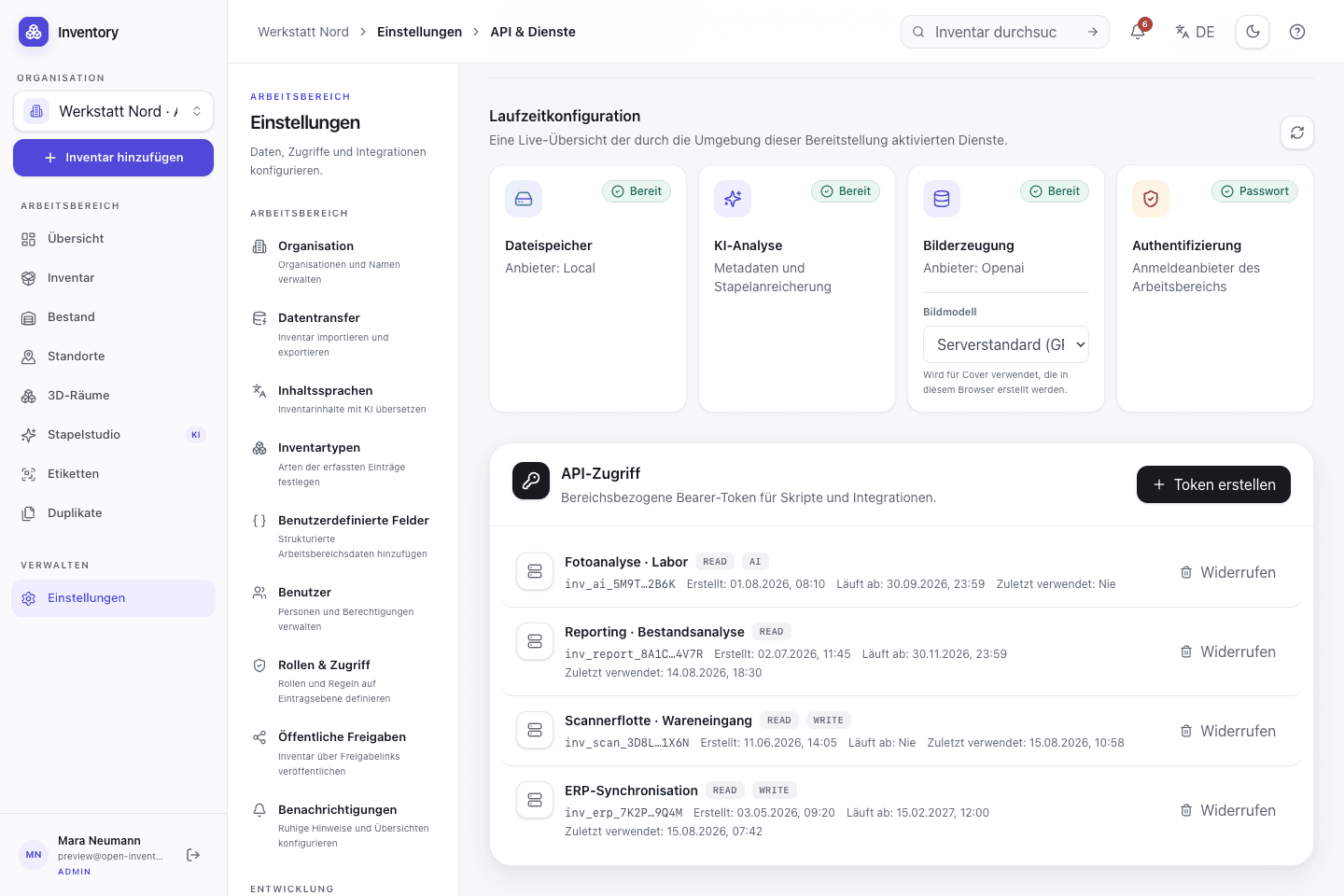
Actual app capture
API access in the self-hosted instance
Define the boundary
Which components run on your infrastructure
The checked-in Compose stack starts PostgreSQL, runs migrations, and starts the Next.js application. Persistent volumes keep the database and local uploads outside container filesystems.
The upload path is configurable. Local storage keeps media on your volume. Openinary sends files to its upload API. Self-hosting the application therefore does not automatically keep every blob local.
Photos, field values, locations, and assignments are operational data. You need to define who can reach the host, where TLS terminates, where backups are stored, and how restore tests are documented.
Open source under MIT
MIT license, source code, and API
Open Inventory is published under the MIT license. Server, web client, database schema, and iOS app live in the same public repository and can be inspected, modified, and distributed internally under the license terms.
Open code is not a security audit. It does make permission checks, data paths, and migrations inspectable. Issues and pull requests are public, so technical changes do not need to be inferred from product copy.
REST endpoints are documented in public/openapi.yaml. CSV covers core inventory fields but is not a complete backup of media, users, and workspace data. Recovery requires both the database and upload storage.
Practical start
Start locally with Docker Compose
- 01
Prepare the host and persistent volumes
You need Docker, sufficient storage, a domain or internal address, and a backup target for PostgreSQL and uploads.
- 02
Prepare the repository and
.envClone the MIT-licensed repository, copy
.env.example, and set your own secrets, hostnames, and storage configuration. - 03
Run migrations and start the application
The checked-in stack starts PostgreSQL, applies the bundled migrations, and then starts the Next.js application with persistent volumes.
- 04
Test TLS and roles
Do not publish the application without protection. Test sign-in, roles, and a restore before importing real data.
- 05
Verify with test data
Exercise import, images, stock movements, and label printing in a small workspace first.
Operations
Backups, upgrades, TLS, and monitoring
- Backups: protect PostgreSQL and uploads together; restore them regularly to a separate target.
- Upgrades: read the diff and migrations; test new images against a copy of the database first.
- TLS and secrets: expose public hosts only through HTTPS; never commit secrets to Compose files or images.
- Monitoring: watch free space, database health, HTTP errors, and external image-processing jobs.
When it fits
When self-hosting is a reasonable choice
Self-hosting fits teams that already operate Docker applications, need internal API integrations, or must document data flows themselves. A small home server can run a test instance; production still needs backups and upgrades.
If nobody owns restore tests, TLS, and updates, operating the system yourself is not a shortcut. The MIT license permits changes; it does not operate the deployment for you.
Further reading